
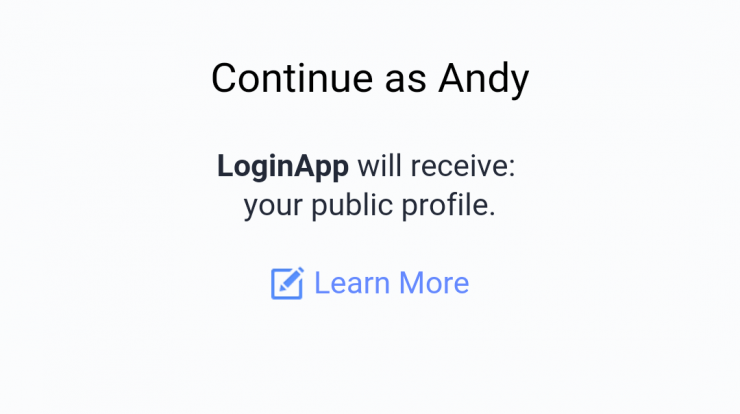
Hello Guys, Today I’ll guide you through setting up Facebook authentication on your Flutter app and fetching relevant data using Facebook’s Graph API.
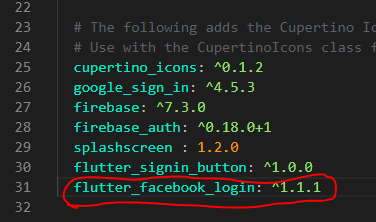
We’ll be using the following package for the login implementation:
Step 1: Add the following dependency in your pubspec.yaml file. Do make sure that you use the latest version of the package.
Step 2: Go this link given below and follow all the steps.
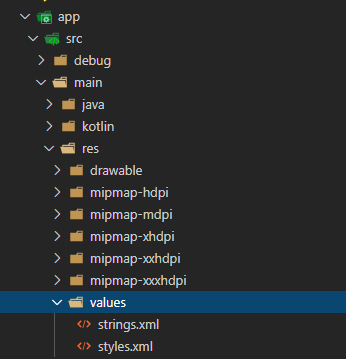
Step 3: Now go to root directory of your aap and create a new file under android > app > src > main > res > values
Step 4: Import the following package in your main.dart file: or where ever you want to Integrate the Facebook login.
Step 5: Create a new method that handles Facebook login:
Step 6: The onLoginStatusChanged(...) method is just used to update the UI using setState() when the user logs in successfully:
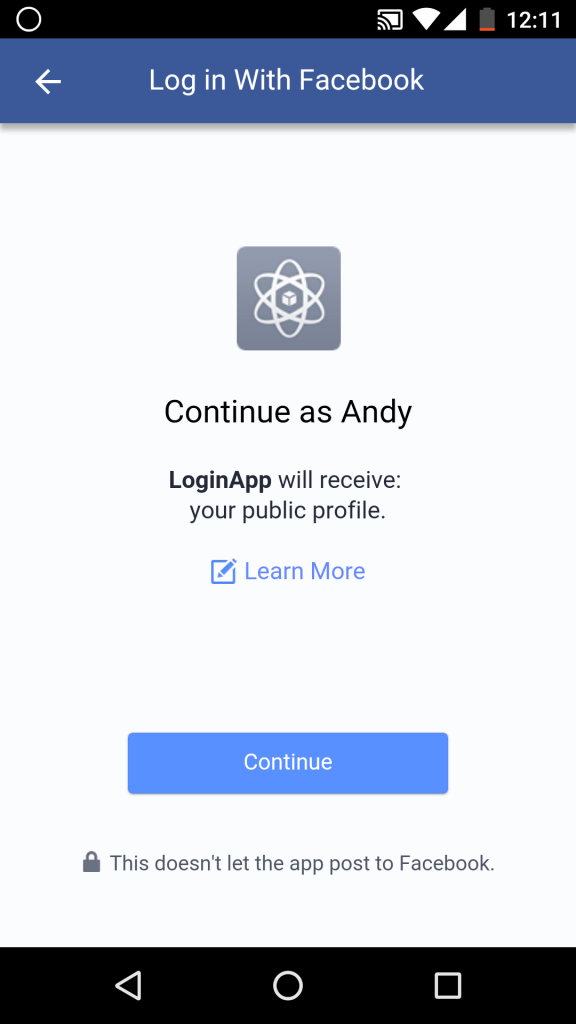
That’s it .

Find Trusted Cardiac Hospitals
Compare heart hospitals by city and services — all in one place.
Explore Hospitals