
Introduction
3D animation software is the backbone of modern visual storytelling. From blockbuster movies and AAA games to product visualizations, architectural walkthroughs, medical simulations, and marketing videos, these tools enable creators to bring complex ideas to life in three dimensions. At its core, 3D animation software allows artists and technical teams to model, texture, rig, animate, simulate, and render digital objects and environments with precision and realism.
Its importance has grown rapidly as industries increasingly rely on immersive visuals to communicate value, educate audiences, and accelerate decision-making. Studios demand cinematic realism, game developers require real-time performance, and enterprises need accurate 3D representations for training, prototyping, and digital twins.
When choosing a 3D animation tool, users should evaluate feature depth, ease of learning, rendering quality, performance, platform support, integration with pipelines, security, community strength, and total cost of ownership. No single tool fits everyone—the right choice depends heavily on goals, scale, and workflow maturity.
Best for:
3D artists, animators, VFX studios, game developers, architects, product designers, educators, marketing teams, and enterprises using visualization or simulation.
Not ideal for:
Teams needing only simple 2D motion graphics, quick social media animations, or non-technical users seeking drag-and-drop video tools.
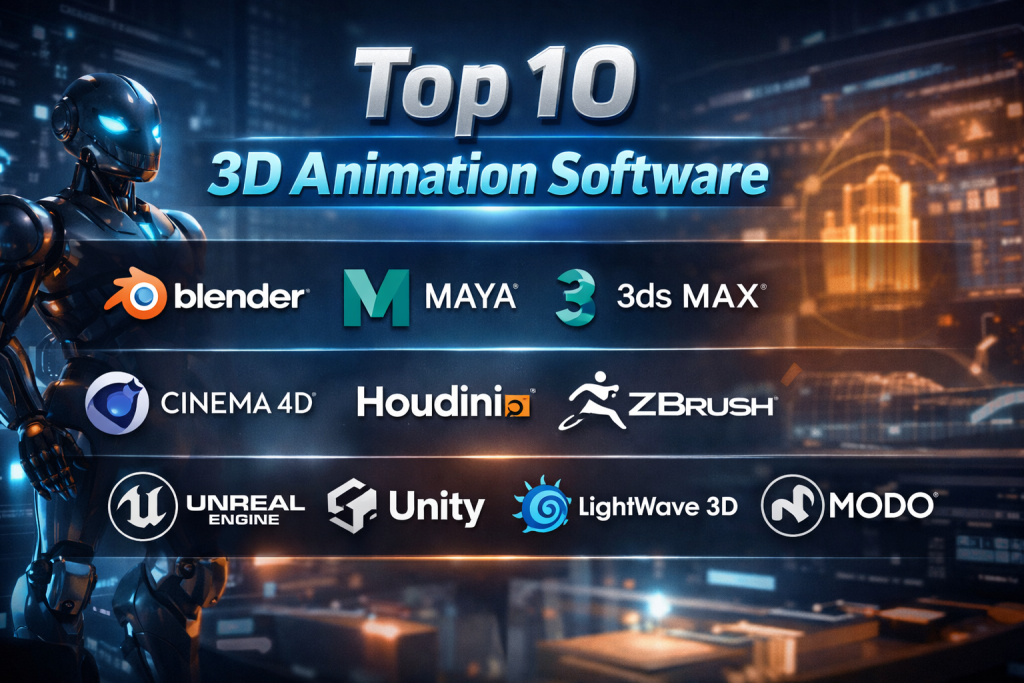
Top 10 3D Animation Software Tools
1 — Blender
Short description:
A powerful, open-source 3D creation suite covering modeling, animation, simulation, rendering, and compositing. Ideal for freelancers, studios, and learners.
Key features
- Full 3D pipeline: modeling, sculpting, rigging, animation
- Cycles and Eevee rendering engines
- Physics simulations (smoke, fluid, cloth)
- Geometry Nodes for procedural workflows
- Video editing and compositing built-in
- Large add-on and plugin ecosystem
Pros
- Completely free with professional-grade capabilities
- Massive global community and rapid innovation
Cons
- Steep learning curve for beginners
- Interface can feel overwhelming initially
Security & compliance:
Varies / N/A (local installations, open-source)
Support & community:
Extensive documentation, tutorials, forums, and a very active community
2 — Autodesk Maya
Short description:
An industry-standard tool for high-end character animation, VFX, and film production.
Key features
- Advanced character rigging and animation tools
- Bifrost for simulations and effects
- Powerful scripting with Python and MEL
- Industry-leading modeling precision
- Strong pipeline and studio integration
- High-quality rendering compatibility
Pros
- Trusted standard in film and VFX studios
- Exceptional control over complex animations
Cons
- Expensive licensing
- Hardware-intensive
Security & compliance:
Enterprise-grade security, SSO support (varies by deployment)
Support & community:
Professional documentation, enterprise support, large professional user base
3 — Autodesk 3ds Max
Short description:
A robust 3D modeling and animation tool widely used in architecture, games, and product visualization.
Key features
- Polygon and spline-based modeling
- Strong material and texture workflows
- Excellent architectural visualization tools
- Extensive plugin support
- Reliable rendering integrations
- Scene management for large projects
Pros
- Strong modeling precision
- Excellent for design-focused workflows
Cons
- Windows-only
- Less favored for character animation
Security & compliance:
Enterprise-grade security options
Support & community:
Strong documentation, professional support, long-standing community
4 — Cinema 4D
Short description:
A user-friendly yet powerful 3D animation tool popular in motion graphics and broadcast design.
Key features
- Intuitive interface and learning curve
- MoGraph toolset for procedural animation
- High-quality rendering integration
- Strong motion graphics focus
- Stable performance
- Cross-platform support
Pros
- Easy to learn and adopt
- Excellent for creative motion design
Cons
- Premium pricing
- Less flexible for hardcore simulations
Security & compliance:
Varies / N/A
Support & community:
High-quality documentation, active creative community
5 — Houdini
Short description:
A procedural powerhouse used for complex simulations, effects, and technical animation.
Key features
- Node-based procedural workflows
- Industry-leading VFX simulations
- Non-destructive pipeline
- Scales well for complex scenes
- Deep customization
- Used heavily in film VFX
Pros
- Unmatched simulation capabilities
- Extremely flexible and scalable
Cons
- Very steep learning curve
- Overkill for simple projects
Security & compliance:
Enterprise deployment options available
Support & community:
Strong professional documentation and technical community
6 — ZBrush
Short description:
A digital sculpting tool focused on creating highly detailed organic models.
Key features
- Industry-leading sculpting tools
- High-polygon handling
- Dynamic topology
- Advanced texturing
- Widely used for characters and creatures
- Seamless pipeline integration
Pros
- Exceptional detail control
- Fast sculpting workflows
Cons
- Limited animation capabilities
- Unique interface takes time to learn
Security & compliance:
Varies / N/A
Support & community:
Strong learning resources and professional community
7 — Unreal Engine
Short description:
A real-time 3D engine increasingly used for animation, virtual production, and interactive experiences.
Key features
- Real-time rendering
- Virtual production tools
- Advanced lighting (Lumen, Nanite)
- Physics and animation systems
- Cross-platform deployment
- Strong cinematic tools
Pros
- Real-time feedback
- Stunning visual fidelity
Cons
- Heavy hardware requirements
- Less traditional animation workflow
Security & compliance:
Enterprise security options vary by use case
Support & community:
Massive global community and professional support options
8 — Unity
Short description:
A versatile real-time 3D platform used for games, simulations, and interactive animations.
Key features
- Real-time rendering
- Strong asset ecosystem
- Cross-platform deployment
- C# scripting
- Large plugin marketplace
- Rapid prototyping
Pros
- Flexible and scalable
- Strong ecosystem
Cons
- Licensing complexity
- Less cinematic than competitors
Security & compliance:
Enterprise-level security varies by plan
Support & community:
Large developer community and extensive documentation
9 — LightWave 3D
Short description:
A mature 3D animation tool known for rendering quality and TV production use.
Key features
- Strong rendering engine
- Efficient modeling tools
- Character animation features
- Lightweight compared to peers
- Cost-effective licensing
- Reliable scene handling
Pros
- Good value for money
- Efficient rendering
Cons
- Smaller ecosystem
- Less modern UI
Security & compliance:
Varies / N/A
Support & community:
Smaller but loyal user base and solid documentation
10 — Modo
Short description:
A creative 3D modeling and animation tool focused on design and visualization.
Key features
- Advanced modeling workflows
- Fast rendering previews
- Procedural texturing
- Artist-friendly interface
- Strong look-development tools
- Cross-platform support
Pros
- Excellent modeling experience
- Clean and intuitive UI
Cons
- Smaller community
- Limited long-term updates
Security & compliance:
Varies / N/A
Support & community:
Good documentation, moderate community activity
Comparison Table
| Tool Name | Best For | Platform(s) Supported | Standout Feature | Rating |
|---|---|---|---|---|
| Blender | Freelancers, studios | Windows, macOS, Linux | Free full pipeline | N/A |
| Autodesk Maya | Film & VFX studios | Windows, macOS | Character animation | N/A |
| Autodesk 3ds Max | Architecture & design | Windows | Precision modeling | N/A |
| Cinema 4D | Motion graphics | Windows, macOS | MoGraph tools | N/A |
| Houdini | VFX & simulations | Windows, macOS, Linux | Procedural workflows | N/A |
| ZBrush | Sculpting artists | Windows, macOS | High-detail sculpting | N/A |
| Unreal Engine | Real-time animation | Windows, macOS | Real-time visuals | N/A |
| Unity | Interactive content | Windows, macOS | Cross-platform | N/A |
| LightWave 3D | TV production | Windows, macOS | Rendering efficiency | N/A |
| Modo | Designers | Windows, macOS, Linux | Modeling workflow | N/A |
Evaluation & Scoring of 3D Animation Software
| Criteria | Weight | Evaluation Focus |
|---|---|---|
| Core features | 25% | Modeling, animation, rendering depth |
| Ease of use | 15% | Learning curve, UI clarity |
| Integrations & ecosystem | 15% | Plugins, pipeline fit |
| Security & compliance | 10% | Enterprise readiness |
| Performance & reliability | 10% | Stability, rendering speed |
| Support & community | 10% | Documentation, forums |
| Price / value | 15% | Cost vs capability |
Which 3D Animation Software Tool Is Right for You?
- Solo users & learners: Blender or ZBrush for cost-effective mastery
- SMBs & creative teams: Cinema 4D or Modo for productivity
- Mid-market studios: Maya or Unreal Engine for scale and realism
- Enterprise & VFX: Houdini and Maya for pipeline control
Budget-conscious users should prioritize open-source or modular tools, while premium solutions make sense for studios needing reliability, support, and advanced simulations. Always balance feature depth with team skill level and long-term scalability.
Frequently Asked Questions (FAQs)
- Is free 3D animation software professional-grade?
Yes, some free tools rival paid software in capabilities. - Which software is best for beginners?
Tools with strong communities and tutorials are ideal. - Do I need powerful hardware?
Complex scenes and rendering benefit from strong GPUs. - Which tool is best for character animation?
Industry standards excel in rigging and motion control. - Is real-time animation replacing traditional rendering?
Real-time is growing fast but both approaches coexist. - Are these tools used outside entertainment?
Yes, in architecture, medicine, education, and manufacturing. - How important is community support?
Extremely important for learning and troubleshooting. - Can I mix multiple tools in one pipeline?
Yes, many studios use hybrid workflows. - Do enterprises need security features?
Large teams benefit from controlled access and compliance. - What’s the biggest mistake buyers make?
Choosing the most powerful tool instead of the most suitable one.
Conclusion
3D animation software powers everything from artistic expression to enterprise visualization. The market offers a wide spectrum—from free, community-driven platforms to highly specialized studio tools. What matters most is aligning the software with your goals, skill level, budget, and production scale.
There is no universal “best” tool. The right choice is the one that fits your workflow today while supporting growth tomorrow.

Find Trusted Cardiac Hospitals
Compare heart hospitals by city and services — all in one place.
Explore Hospitals