
Introduction
3D CAD (Computer-Aided Design) software is the backbone of modern product design, engineering, and manufacturing. These tools allow professionals to create precise three-dimensional digital models of parts, assemblies, and complete systems before anything is physically built. From mechanical components and consumer products to buildings, aircraft, and medical devices, 3D CAD software enables teams to design, test, refine, and document ideas with accuracy and efficiency.
The importance of 3D CAD software lies in its ability to reduce errors, shorten development cycles, lower costs, and improve collaboration. By simulating real-world behavior, designers can identify issues early, explore alternatives quickly, and move from concept to production with confidence. Today, 3D CAD is deeply integrated with CAM, CAE, PLM, and cloud collaboration workflows.
Common real-world use cases include mechanical engineering, product design, industrial machinery, automotive and aerospace design, architecture and construction, electronics enclosures, rapid prototyping, and digital manufacturing.
When choosing a 3D CAD tool, users should evaluate modeling capabilities, ease of use, performance with large assemblies, interoperability, automation tools, collaboration features, security, support, and overall value. The right tool depends heavily on who is using it and for what purpose.
Best for:
3D CAD software benefits mechanical engineers, product designers, industrial designers, architects, manufacturers, startups building physical products, SMBs scaling production, and large enterprises managing complex engineering programs.
Not ideal for:
Users focused purely on artistic modeling, casual hobbyists needing simple 3D sketches, or teams requiring only basic 2D drafting may find full-scale 3D CAD tools too complex or costly for their needs.
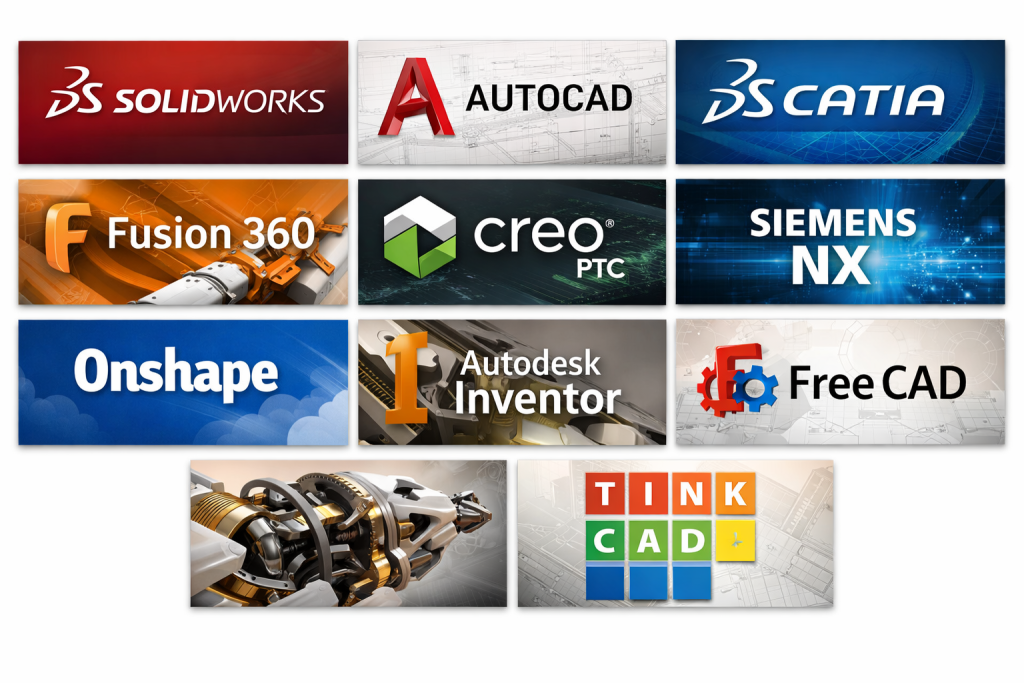
Top 10 3D CAD Software Tools
1 — SolidWorks
Short description:
A widely used professional 3D CAD platform for mechanical design, product development, and manufacturing-ready models.
Key features:
- Parametric solid and surface modeling
- Assembly design with interference detection
- Integrated simulation and motion analysis
- Sheet metal and weldment tools
- CAM and drawing generation
- Extensive add-on ecosystem
Pros:
- Industry-standard with strong job market relevance
- Powerful modeling and simulation depth
- Large third-party plugin ecosystem
Cons:
- Premium pricing
- Requires capable hardware for large assemblies
Security & compliance:
Enterprise security controls, role-based access; compliance varies by deployment.
Support & community:
Excellent documentation, certified training, large global user community, enterprise support available.
2 — AutoCAD
Short description:
A versatile CAD tool known for drafting and foundational 3D modeling, widely adopted across engineering and construction.
Key features:
- 2D drafting and annotation
- Basic 3D solids and surfaces
- DWG interoperability
- Customization via scripts and APIs
- Cross-platform support
- Industry-specific toolsets
Pros:
- Extremely well known and widely supported
- Strong compatibility with industry standards
- Flexible across disciplines
Cons:
- Limited advanced 3D parametric modeling
- Less suitable for complex mechanical assemblies
Security & compliance:
Enterprise-grade access controls; compliance varies.
Support & community:
Extensive documentation, training resources, and global community.
3 — CATIA
Short description:
A high-end CAD platform designed for complex, large-scale engineering projects in aerospace and automotive industries.
Key features:
- Advanced surface and solid modeling
- Complex assembly management
- Integrated PLM capabilities
- Systems engineering support
- High-precision design tools
- Multidisciplinary workflows
Pros:
- Exceptional for complex and large assemblies
- Deep engineering and PLM integration
- Highly scalable
Cons:
- Very high cost
- Steep learning curve
Security & compliance:
Enterprise-grade security, compliance varies by configuration.
Support & community:
Strong enterprise support, specialized training, smaller but expert community.
4 — Fusion 360
Short description:
A modern, cloud-connected CAD platform combining design, simulation, and manufacturing in one environment.
Key features:
- Parametric, direct, and mesh modeling
- Cloud collaboration and versioning
- Integrated CAM and simulation
- Generative design tools
- Cross-platform access
- Rapid prototyping workflows
Pros:
- Excellent value for startups and SMBs
- All-in-one workflow
- Easy collaboration
Cons:
- Cloud dependency for some features
- Less suited for extremely large assemblies
Security & compliance:
Encryption, SSO options, compliance varies.
Support & community:
Strong online documentation, active maker and professional community.
5 — Creo
Short description:
A robust CAD system focused on parametric modeling, scalability, and advanced engineering workflows.
Key features:
- Parametric and direct modeling
- Large assembly performance
- Advanced simulation tools
- Model-based definition (MBD)
- Manufacturing integration
- Automation and design reuse
Pros:
- Excellent performance with complex models
- Strong engineering accuracy
- Scales well for enterprises
Cons:
- User interface feels dated to some users
- Higher learning effort
Security & compliance:
Enterprise security, compliance varies.
Support & community:
Professional documentation, enterprise-grade support.
6 — Siemens NX
Short description:
A comprehensive CAD/CAM/CAE platform for advanced product development and manufacturing.
Key features:
- Integrated CAD, CAM, and CAE
- Synchronous technology modeling
- High-end surface design
- Digital twin capabilities
- Automation and customization
- Large assembly handling
Pros:
- Extremely powerful and integrated
- Ideal for end-to-end product lifecycle
- High reliability
Cons:
- Very expensive
- Requires extensive training
Security & compliance:
Enterprise-grade security and compliance options.
Support & community:
Strong enterprise support, professional training ecosystem.
7 — Onshape
Short description:
A fully cloud-native CAD platform built for real-time collaboration and modern product teams.
Key features:
- Browser-based parametric modeling
- Real-time multi-user collaboration
- Built-in version control
- No local installation required
- Secure cloud storage
- API-driven extensions
Pros:
- Excellent collaboration capabilities
- No hardware dependency
- Fast onboarding
Cons:
- Requires reliable internet connection
- Fewer advanced features than legacy tools
Security & compliance:
Strong cloud security, encryption, compliance varies.
Support & community:
Clear documentation, growing professional community, responsive support.
8 — Inventor
Short description:
A mechanical design-focused CAD tool optimized for parametric modeling and manufacturing workflows.
Key features:
- Parametric part and assembly modeling
- Sheet metal and frame design
- Drawing automation
- Simulation and stress analysis
- CAM integration
- Design automation
Pros:
- Strong mechanical focus
- Good integration with related tools
- Reliable performance
Cons:
- Windows-only
- Less surface modeling depth
Security & compliance:
Enterprise access controls; compliance varies.
Support & community:
Good documentation, established user base.
9 — FreeCAD
Short description:
An open-source parametric CAD tool suitable for learning, experimentation, and basic engineering tasks.
Key features:
- Parametric modeling
- Modular architecture
- Cross-platform support
- Python scripting
- Community extensions
- Open file formats
Pros:
- Free and open source
- Highly customizable
- Strong learning tool
Cons:
- Less polished UI
- Limited enterprise readiness
Security & compliance:
N/A
Support & community:
Active open-source community, community-driven documentation.
#10 — Tinkercad
Short description:
A beginner-friendly, browser-based 3D design tool focused on education and simple projects.
Key features:
- Drag-and-drop modeling
- Browser-based access
- STL export for 3D printing
- Electronics simulation basics
- No installation required
- Learning-oriented interface
Pros:
- Extremely easy to use
- Great for beginners and education
- Fast learning curve
Cons:
- Not suitable for professional engineering
- Very limited advanced features
Security & compliance:
N/A
Support & community:
Good tutorials, strong educational community.
Comparison Table
| Tool Name | Best For | Platform(s) Supported | Standout Feature | Rating |
|---|---|---|---|---|
| SolidWorks | Professional mechanical design | Windows | Industry-standard parametric modeling | N/A |
| AutoCAD | Drafting & general CAD | Windows, macOS | Universal CAD compatibility | N/A |
| CATIA | Aerospace & automotive | Windows | Complex surface & PLM integration | N/A |
| Fusion 360 | Startups & SMBs | Windows, macOS | All-in-one cloud workflow | N/A |
| Creo | Enterprise engineering | Windows | Large assembly performance | N/A |
| Siemens NX | End-to-end PLM | Windows | Full CAD/CAM/CAE suite | N/A |
| Onshape | Distributed teams | Browser | Real-time collaboration | N/A |
| Inventor | Mechanical manufacturing | Windows | Manufacturing-focused design | N/A |
| FreeCAD | Learning & open source | Windows, macOS, Linux | Free parametric modeling | N/A |
| Tinkercad | Beginners & education | Browser | Simplicity and accessibility | N/A |
Evaluation & Scoring of 3D CAD Software
| Criteria | Weight | Evaluation Notes |
|---|---|---|
| Core features | 25% | Depth of modeling, assemblies, drawings |
| Ease of use | 15% | UI clarity, learning curve |
| Integrations & ecosystem | 15% | CAM, CAE, PLM, plugins |
| Security & compliance | 10% | Enterprise readiness |
| Performance & reliability | 10% | Stability with large models |
| Support & community | 10% | Documentation and help |
| Price / value | 15% | ROI relative to cost |
Which 3D CAD Software Tool Is Right for You?
- Solo users & hobbyists: Simpler tools or open-source platforms are often sufficient.
- SMBs & startups: Look for affordable, all-in-one tools with fast onboarding.
- Mid-market teams: Balance feature depth with collaboration and performance.
- Enterprises: Prioritize scalability, PLM integration, security, and support.
Budget-conscious users may trade advanced features for lower cost, while premium users gain performance, automation, and compliance. Choose based on actual workflow needs, not just popularity.
Frequently Asked Questions (FAQs)
1. Is 3D CAD software difficult to learn?
It varies. Beginner tools are easy, while professional platforms require training.
2. Do I need powerful hardware?
Advanced CAD benefits from strong CPUs, GPUs, and RAM.
3. Can CAD files be shared between tools?
Yes, but some features may not translate perfectly.
4. Is cloud CAD safe?
Most platforms use strong encryption and access controls.
5. What industries rely most on 3D CAD?
Manufacturing, automotive, aerospace, construction, and product design.
6. Is free CAD software good enough?
For learning and simple projects, yes. For production, often no.
7. How important is simulation?
Critical for engineering validation and reducing physical prototypes.
8. Can CAD integrate with CAM?
Many modern tools offer built-in or connected CAM workflows.
9. What is parametric modeling?
Designing models driven by dimensions and constraints.
10. Is there one “best” CAD tool?
No. The best choice depends on your specific needs.
Conclusion
3D CAD software is a foundational technology for modern design and engineering. The tools covered here range from beginner-friendly platforms to enterprise-grade engineering systems. What matters most is alignment with your workflow, skill level, budget, and long-term goals. There is no universal winner—only the right tool for the right job.

Find Trusted Cardiac Hospitals
Compare heart hospitals by city and services — all in one place.
Explore Hospitals