
Introduction
3D Scan & Photogrammetry software transforms real-world objects, spaces, and environments into accurate digital 3D models using images, laser scans, or depth data. By combining computer vision, geometry, and advanced reconstruction algorithms, these tools enable professionals to digitize reality with remarkable precision.
These solutions are critical across industries such as architecture, construction, gaming, film, manufacturing, heritage preservation, healthcare, and e-commerce. They help teams reduce manual modeling time, improve measurement accuracy, visualize complex spaces, and create immersive digital experiences.
When evaluating 3D Scan & Photogrammetry software, users should consider accuracy, scalability, processing speed, input flexibility (photos, LiDAR, drones), output quality, ease of use, hardware compatibility, collaboration features, and security controls. The right tool can dramatically improve productivity and downstream workflows—from CAD and BIM to AR/VR and digital twins.
Best for:
Architects, surveyors, VFX artists, game developers, cultural heritage teams, construction firms, product designers, researchers, and enterprises building digital twins or immersive experiences.
Not ideal for:
Users needing simple 3D visualization without reconstruction, teams without adequate capture hardware, or projects where manual CAD modeling is faster and more cost-effective.
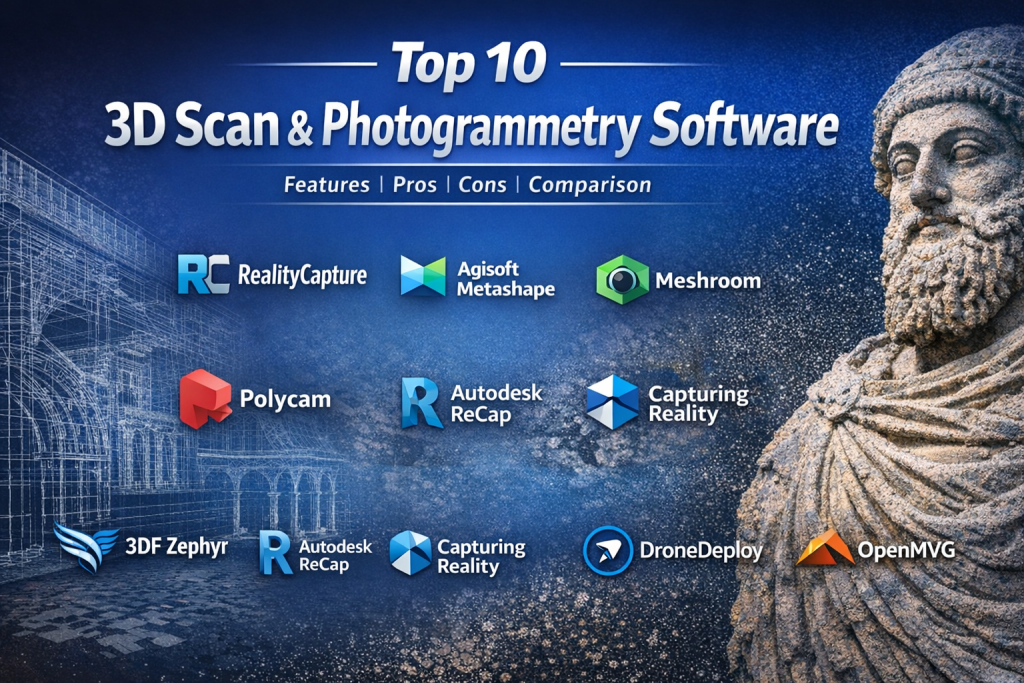
Top 10 3D Scan & Photogrammetry Software Tools
1 — RealityCapture
Short description:
A high-performance photogrammetry solution designed for large-scale, ultra-detailed 3D reconstructions from images and laser scans.
Key features
- Extremely fast image alignment and mesh generation
- Handles massive datasets with high precision
- Supports aerial, terrestrial, and LiDAR inputs
- Advanced texture and mesh optimization
- Accurate georeferencing and control points
- Exports to major CAD, BIM, and DCC formats
Pros
- Industry-leading processing speed
- Exceptional reconstruction accuracy
Cons
- Steep learning curve
- Hardware-intensive workflows
Security & compliance:
Enterprise controls, encryption; compliance varies by deployment.
Support & community:
Professional documentation, enterprise support, strong expert user base.
2 — Agisoft Metashape
Short description:
A widely used photogrammetry platform for scientific, mapping, and professional 3D reconstruction.
Key features
- End-to-end photogrammetry pipeline
- Dense point cloud and mesh generation
- Ground control point support
- Python scripting and automation
- Multispectral and LiDAR integration
- Flexible export formats
Pros
- Reliable and academically trusted
- Strong automation capabilities
Cons
- Interface feels technical
- Processing times can be long
Security & compliance:
Local processing, data control dependent on user environment.
Support & community:
Extensive documentation, active academic and professional community.
3 — Pix4D
Short description:
A comprehensive photogrammetry ecosystem popular in surveying, mapping, and drone workflows.
Key features
- Drone-optimized photogrammetry
- Accurate mapping and orthomosaic creation
- Cloud and desktop processing options
- GCP and RTK support
- Industry-specific modules
- Scalable project handling
Pros
- Excellent for aerial mapping
- Strong workflow consistency
Cons
- Premium pricing
- Complex licensing structure
Security & compliance:
Enterprise security, GDPR alignment, cloud controls available.
Support & community:
Structured onboarding, enterprise support, strong professional adoption.
4 — Meshroom
Short description:
An open-source photogrammetry tool built on a node-based workflow for 3D reconstruction.
Key features
- Free and open-source
- Node-based visual workflow
- High-quality mesh generation
- GPU acceleration
- Research-grade algorithms
- Customizable pipelines
Pros
- No licensing cost
- Transparent processing
Cons
- Requires technical knowledge
- Limited official support
Security & compliance:
N/A (local, open-source).
Support & community:
Community forums, developer documentation, research community backing.
5 — Polycam
Short description:
A mobile-first 3D scanning app using LiDAR and photogrammetry for fast captures.
Key features
- Smartphone LiDAR scanning
- Photo-based photogrammetry
- Cloud processing
- Quick export to 3D formats
- Easy capture workflow
- AR-ready outputs
Pros
- Extremely easy to use
- Portable capture
Cons
- Limited enterprise controls
- Less precision than desktop tools
Security & compliance:
Cloud encryption; compliance varies by plan.
Support & community:
Good tutorials, responsive support, growing creator community.
6 — 3DF Zephyr
Short description:
A flexible photogrammetry solution suitable for professionals and enthusiasts alike.
Key features
- Automated reconstruction workflows
- High-quality texturing
- Support for aerial and terrestrial images
- Measurement tools
- GPU acceleration
- Multiple licensing tiers
Pros
- User-friendly interface
- Good balance of power and usability
Cons
- Limited scalability for massive datasets
- Advanced features require higher tiers
Security & compliance:
Local processing; compliance dependent on user environment.
Support & community:
Clear documentation, active user forum.
7 — Autodesk ReCap
Short description:
A reality capture and 3D scanning solution integrated into Autodesk’s design ecosystem.
Key features
- Point cloud processing
- Scan-to-CAD workflows
- Integration with Autodesk tools
- Measurement and annotation
- Cloud collaboration
- BIM-ready outputs
Pros
- Seamless Autodesk integration
- Enterprise-ready workflows
Cons
- Locked into Autodesk ecosystem
- Subscription-based pricing
Security & compliance:
Enterprise-grade security, ISO and SOC-aligned practices.
Support & community:
Strong enterprise support, extensive learning resources.
8 — Capturing Reality
Short description:
An enterprise-focused photogrammetry solution optimized for large-scale reality capture.
Key features
- High-density reconstruction
- Advanced alignment algorithms
- LiDAR and image fusion
- Automation APIs
- Precision measurement
- Scalable pipelines
Pros
- High accuracy at scale
- Enterprise automation
Cons
- Requires expertise
- Premium infrastructure needs
Security & compliance:
Enterprise security controls; compliance varies by deployment.
Support & community:
Dedicated enterprise support and professional services.
9 — DroneDeploy
Short description:
A cloud-based photogrammetry platform focused on drone mapping and site documentation.
Key features
- Automated drone data processing
- Cloud-based 3D models
- Progress tracking and analytics
- Collaboration tools
- AI-assisted insights
- Integrations with construction tools
Pros
- Easy deployment
- Strong collaboration features
Cons
- Cloud dependency
- Limited offline workflows
Security & compliance:
GDPR-aligned cloud security, enterprise access controls.
Support & community:
Good onboarding, active professional user base.
10 — OpenMVG
Short description:
A developer-oriented open-source library for multi-view geometry and photogrammetry.
Key features
- Research-grade algorithms
- Modular architecture
- Custom pipeline creation
- Academic reliability
- Scriptable workflows
- High algorithm transparency
Pros
- Maximum flexibility
- Ideal for research and custom tools
Cons
- Not beginner-friendly
- No GUI
Security & compliance:
N/A (local, open-source).
Support & community:
Academic documentation, developer community support.
Comparison Table
| Tool Name | Best For | Platform(s) Supported | Standout Feature | Rating |
|---|---|---|---|---|
| RealityCapture | Large-scale high-detail scans | Windows | Ultra-fast reconstruction | N/A |
| Agisoft Metashape | Scientific & mapping workflows | Windows, macOS, Linux | Automation & accuracy | N/A |
| Pix4D | Drone photogrammetry | Windows, Cloud | Survey-grade mapping | N/A |
| Meshroom | Open-source projects | Windows, Linux | Node-based workflow | N/A |
| Polycam | Mobile 3D capture | iOS, Web | LiDAR on smartphones | N/A |
| 3DF Zephyr | Professional photogrammetry | Windows | Ease of use | N/A |
| Autodesk ReCap | BIM & CAD integration | Windows, Cloud | Autodesk ecosystem | N/A |
| Capturing Reality | Enterprise pipelines | Windows | Precision at scale | N/A |
| DroneDeploy | Construction mapping | Web, Cloud | Collaboration | N/A |
| OpenMVG | Research & development | Cross-platform | Algorithm transparency | N/A |
Evaluation & Scoring of 3D Scan & Photogrammetry Software
| Criteria | Weight | Description |
|---|---|---|
| Core features | 25% | Reconstruction accuracy, data handling |
| Ease of use | 15% | Learning curve, UI clarity |
| Integrations & ecosystem | 15% | CAD, BIM, DCC compatibility |
| Security & compliance | 10% | Data protection and controls |
| Performance & reliability | 10% | Speed, stability |
| Support & community | 10% | Documentation and help |
| Price / value | 15% | ROI and scalability |
Which 3D Scan & Photogrammetry Software Tool Is Right for You?
- Solo users: Prefer mobile or open-source tools with minimal setup
- SMBs: Balance cost with professional features and support
- Mid-market: Look for automation, integrations, and scalability
- Enterprise: Prioritize security, accuracy, and workflow integration
Budget-conscious teams may choose open-source or mobile solutions, while premium users benefit from accuracy and enterprise support. Feature depth often comes with complexity—ease of use matters for fast adoption. Integration with CAD, BIM, or game engines is critical for scaling, as are security and compliance controls for regulated industries.
Frequently Asked Questions (FAQs)
1. What is photogrammetry software used for?
It converts photos into accurate 3D models for design, mapping, and visualization.
2. Is LiDAR better than photogrammetry?
LiDAR offers precision; photogrammetry is more accessible and cost-effective.
3. Do I need expensive hardware?
High-end projects benefit from GPUs, but smaller projects can run on standard systems.
4. Can mobile phones be used for 3D scanning?
Yes, especially with LiDAR-enabled devices.
5. Are open-source tools reliable?
They are powerful but often require technical expertise.
6. How accurate are these tools?
Accuracy depends on capture quality, calibration, and software algorithms.
7. Is cloud processing safe?
Generally yes, but enterprises should review security policies.
8. Can outputs be used in CAD or BIM?
Most professional tools support industry-standard formats.
9. How long does processing take?
From minutes to hours depending on dataset size.
10. What is the most common mistake?
Poor image capture leading to reconstruction errors.
Conclusion
3D Scan & Photogrammetry software plays a vital role in turning physical reality into digital assets. The best solution depends on accuracy needs, scale, budget, and workflow integration. While some tools excel in speed and precision, others prioritize accessibility or openness. There is no universal winner—only the right fit for your specific use case. By aligning tool capabilities with project goals, teams can unlock the full potential of reality capture and 3D reconstruction.

Find Trusted Cardiac Hospitals
Compare heart hospitals by city and services — all in one place.
Explore Hospitals