
Introduction
Archive Cataloging Software helps organizations organize, describe, preserve, and retrieve archival collections—both physical and digital—using standardized metadata and structured workflows. These tools are widely used by libraries, museums, universities, government archives, corporations, and cultural heritage institutions to ensure long-term preservation and easy discovery of valuable records.
In an era of rapid digitization, archives are no longer just boxes on shelves. They include born-digital files, scanned documents, audiovisual media, photographs, emails, and datasets. Without proper cataloging, these materials become difficult to find, manage, or trust. Archive cataloging software solves this by enabling consistent metadata, controlled vocabularies, version tracking, and access control.
Common real-world use cases include:
- Managing historical manuscripts and rare collections
- Cataloging museum artifacts and exhibitions
- Preserving government or legal records
- Organizing corporate knowledge archives
- Supporting academic research and digital humanities projects
When choosing archive cataloging software, buyers should evaluate:
- Metadata standards support (Dublin Core, EAD, MARC, etc.)
- Ease of description and search
- Digital asset management capabilities
- Access control and permissions
- Long-term preservation and export options
- Integration with existing systems
Best for: Archivists, librarians, records managers, museums, universities, government bodies, and enterprises managing large or sensitive collections.
Not ideal for: Small teams needing only basic file storage or users looking for simple document sharing rather than structured archival control.
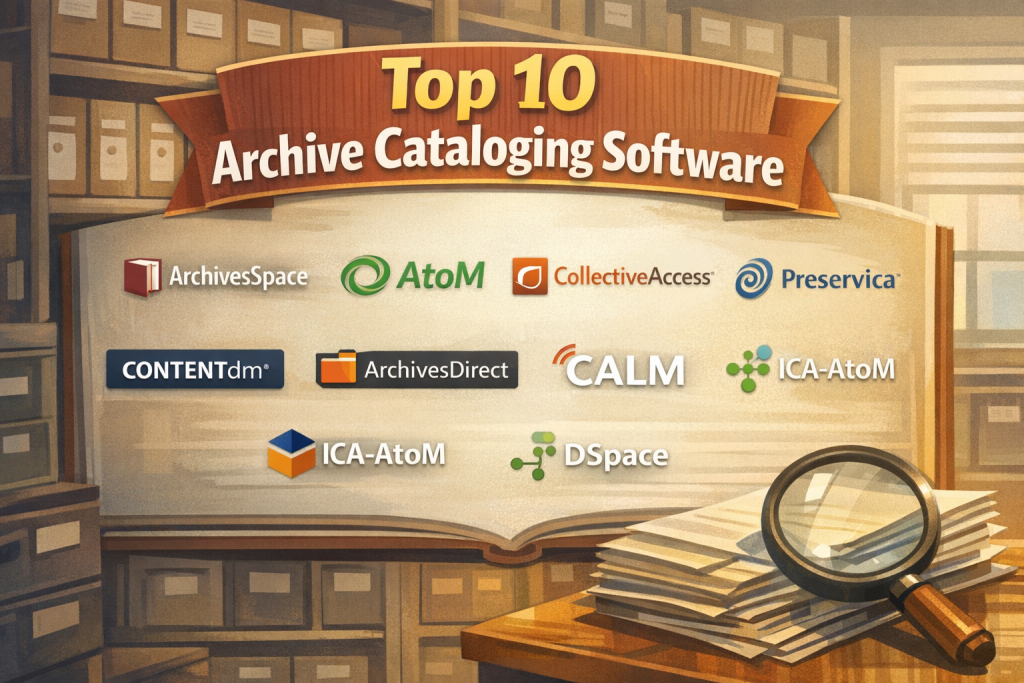
Top 10 Archive Cataloging Software Tools
1 — ArchivesSpace
Short description:
An open-source archival management system widely adopted by libraries and academic institutions for describing, managing, and providing access to archival collections.
Key features:
- Supports EAD, MARC, and DACS standards
- Collection, accession, and digital object management
- Public access interface
- Authority records and controlled vocabularies
- Import/export for long-term preservation
- Strong institutional governance model
Pros:
- Industry-standard for professional archivists
- Highly flexible and extensible
Cons:
- Requires technical expertise to deploy
- Interface can feel complex for beginners
Security & compliance:
Role-based access, audit trails; compliance depends on hosting environment.
Support & community:
Very strong global archivist community, detailed documentation, and vendor-backed support options.
2 — AtoM
Short description:
An open-source, web-based archive description tool designed for international standards and multilingual environments.
Key features:
- ISAD(G), ISAAR(CPF), and Dublin Core support
- Multilingual user interface
- Public discovery portal
- Digital object attachment
- Hierarchical archival description
- CSV and XML imports
Pros:
- Excellent standards compliance
- Strong for public-facing archives
Cons:
- Performance can slow with very large datasets
- Customization requires development skills
Security & compliance:
Access controls available; compliance varies by deployment.
Support & community:
Active open-source community and professional service providers.
3 — CollectiveAccess
Short description:
A highly customizable collections management and cataloging system used by museums, archives, and cultural institutions.
Key features:
- Flexible metadata schemas
- Multimedia and digital asset support
- Advanced search and browse tools
- Public front-end publishing
- API and integration capabilities
- Custom workflows
Pros:
- Extremely flexible data modeling
- Strong multimedia handling
Cons:
- Steep learning curve
- Requires configuration effort
Security & compliance:
Granular permissions; compliance depends on infrastructure.
Support & community:
Professional support plans and an active developer community.
4 — Preservica
Short description:
A digital preservation and archive management platform focused on long-term access and authenticity of digital records.
Key features:
- End-to-end digital preservation workflows
- Automated file integrity checks
- Metadata and cataloging tools
- Cloud and on-prem deployment
- Access portals for users
- Format migration
Pros:
- Excellent for long-term digital preservation
- Strong automation capabilities
Cons:
- Higher cost than open-source tools
- Less flexible for non-digital archives
Security & compliance:
Encryption, audit logs, ISO-aligned practices, GDPR support.
Support & community:
Enterprise-grade support, onboarding, and training.
5 — Alma
Short description:
A unified library services platform that includes archival and special collections cataloging capabilities.
Key features:
- Integrated cataloging and discovery
- MARC and archival metadata support
- Workflow automation
- Cloud-native architecture
- Analytics and reporting
- User access controls
Pros:
- Strong integration with library ecosystems
- Reliable cloud performance
Cons:
- Less specialized for deep archival hierarchies
- Premium pricing
Security & compliance:
Enterprise security, SSO, GDPR-aligned.
Support & community:
Extensive documentation and professional support.
6 — CONTENTdm
Short description:
A digital collection management system focused on digitized archives, images, and media.
Key features:
- Digital object cataloging
- Metadata templates
- Public discovery interfaces
- OCR and search tools
- Batch uploads
- Rights management
Pros:
- Strong for digitized collections
- Easy public access setup
Cons:
- Limited physical archive workflows
- Customization constraints
Security & compliance:
Access controls and cloud security standards.
Support & community:
Vendor-led support and training resources.
7 — ArchivesDirect
Short description:
A practical archival cataloging tool designed for small to mid-sized archives.
Key features:
- Collection and item-level cataloging
- Metadata customization
- Simple search and browse
- Import/export tools
- User permissions
Pros:
- Easier to learn than enterprise tools
- Cost-effective
Cons:
- Limited advanced integrations
- Smaller user ecosystem
Security & compliance:
Basic access controls; compliance varies.
Support & community:
Vendor support and documentation.
8 — CALM
Short description:
A long-standing archives and collections management system used by public sector and heritage organizations.
Key features:
- Archival description standards
- Digital asset links
- Reading room management
- Public search portals
- Reporting tools
Pros:
- Mature, stable platform
- Trusted in government archives
Cons:
- Interface feels dated
- Limited modern integrations
Security & compliance:
Role-based access; compliance depends on deployment.
Support & community:
Vendor-led enterprise support.
9 — ICA-AtoM
Short description:
An archival description platform aligned with international archival standards and practices.
Key features:
- ISAD(G) and ICA standards
- Hierarchical descriptions
- Public discovery tools
- Multilingual support
- Digital object linking
Pros:
- Strong standards alignment
- Community-driven
Cons:
- Limited enterprise features
- Requires technical maintenance
Security & compliance:
Basic role management; varies by hosting.
Support & community:
Strong professional archive community.
10 — DSpace
Short description:
An open-source repository and archive platform widely used for institutional and research archives.
Key features:
- Metadata-driven cataloging
- Digital repository management
- Persistent identifiers
- Access control
- Search and discovery
- Preservation workflows
Pros:
- Excellent for academic and research archives
- Large global adoption
Cons:
- Primarily digital-focused
- Customization requires development effort
Security & compliance:
Role-based access, SSO support; compliance depends on deployment.
Support & community:
Very large open-source and academic community.
Comparison Table
| Tool Name | Best For | Platform(s) Supported | Standout Feature | Rating |
|---|---|---|---|---|
| ArchivesSpace | Academic & large archives | Web-based | Professional archival standards | N/A |
| AtoM | Public-facing archives | Web-based | Multilingual standards support | N/A |
| CollectiveAccess | Museums & cultural heritage | Web-based | Flexible metadata modeling | N/A |
| Preservica | Digital preservation | Cloud / On-prem | Long-term preservation automation | N/A |
| Alma | Libraries & institutions | Cloud | Unified library ecosystem | N/A |
| CONTENTdm | Digitized collections | Cloud | Public digital discovery | N/A |
| ArchivesDirect | Small to mid archives | Web-based | Ease of use | N/A |
| CALM | Government archives | On-prem / Hosted | Stability | N/A |
| ICA-AtoM | Standards-driven archives | Web-based | ICA alignment | N/A |
| DSpace | Academic repositories | Web-based | Research archive support | N/A |
Evaluation & Scoring of Archive Cataloging Software
| Criteria | Weight | Evaluation Focus |
|---|---|---|
| Core features | 25% | Metadata, standards, catalog depth |
| Ease of use | 15% | UI, learning curve |
| Integrations & ecosystem | 15% | APIs, interoperability |
| Security & compliance | 10% | Access control, audits |
| Performance & reliability | 10% | Scalability, uptime |
| Support & community | 10% | Documentation, help |
| Price / value | 15% | Cost vs benefits |
Which Archive Cataloging Software Tool Is Right for You?
- Solo users / small archives: Look for simpler tools like ArchivesDirect or hosted AtoM deployments.
- SMBs & museums: CollectiveAccess offers flexibility without enterprise overhead.
- Mid-market institutions: ArchivesSpace or CALM provide structure and scalability.
- Enterprise & government: Preservica or Alma deliver compliance and reliability.
Budget-conscious teams may prefer open-source solutions, while premium buyers benefit from vendor-backed platforms.
Choose feature depth if managing complex hierarchies; prioritize ease of use for small teams.
Ensure integration with existing systems and verify security requirements before finalizing.
Frequently Asked Questions (FAQs)
1. What is archive cataloging software?
It is a system used to describe, organize, and manage archival collections using structured metadata.
2. Is open-source archive software reliable?
Yes, many open-source tools are industry standards when properly hosted and maintained.
3. Can these tools manage physical archives?
Most support physical and digital descriptions, though some focus mainly on digital content.
4. Do I need technical skills to use them?
Basic use is straightforward, but setup and customization may require technical support.
5. Are these tools scalable?
Yes, enterprise-grade and open-source platforms can scale with proper infrastructure.
6. How important are metadata standards?
Critical. Standards ensure interoperability and long-term usability.
7. Are cloud deployments secure?
When properly configured, cloud deployments meet modern security expectations.
8. Can users access archives publicly?
Most tools provide public discovery portals or integrations.
9. What are common mistakes when choosing software?
Underestimating complexity, ignoring standards, and overlooking future growth.
10. Are there alternatives to dedicated archive tools?
General document systems exist but lack archival rigor and standards compliance.
Conclusion
Archive cataloging software is essential for preserving knowledge, ensuring discoverability, and maintaining trust in archival records. The tools reviewed here vary widely in scope, complexity, and cost, but all serve a critical role in modern archival practice.
When choosing a solution, focus on standards compliance, usability, scalability, and long-term preservation needs. There is no single “best” tool—only the one that best aligns with your organization’s size, budget, and archival mission.

Find Trusted Cardiac Hospitals
Compare heart hospitals by city and services — all in one place.
Explore Hospitals