
Introduction
Computational Fluid Dynamics (CFD) software is a specialized class of engineering tools used to numerically simulate fluid flow, heat transfer, turbulence, and multiphysics phenomena using mathematical models and high-performance computing. Instead of relying solely on costly physical prototypes or wind-tunnel testing, CFD allows engineers and scientists to predict real-world fluid behavior virtually, long before a product is manufactured or deployed.
CFD plays a critical role across industries such as aerospace, automotive, energy, chemical processing, HVAC, biomedical engineering, and electronics cooling. It is used to optimize aerodynamics, improve fuel efficiency, design thermal management systems, validate safety conditions, and accelerate innovation while reducing development costs.
When choosing a CFD tool, users should evaluate:
- Solver accuracy and physics depth
- Meshing quality and automation
- Scalability and performance
- Ease of use vs. modeling flexibility
- Integration with CAD/CAE ecosystems
- Security, compliance, and enterprise readiness
Best for:
CFD software is ideal for mechanical engineers, aerospace engineers, thermal analysts, research scientists, product design teams, and simulation specialists in startups, enterprises, R&D labs, and manufacturing organizations.
Not ideal for:
CFD tools may be excessive for basic design visualization, simple flow estimation, or teams without simulation expertise, where analytical methods or lightweight engineering tools may suffice.
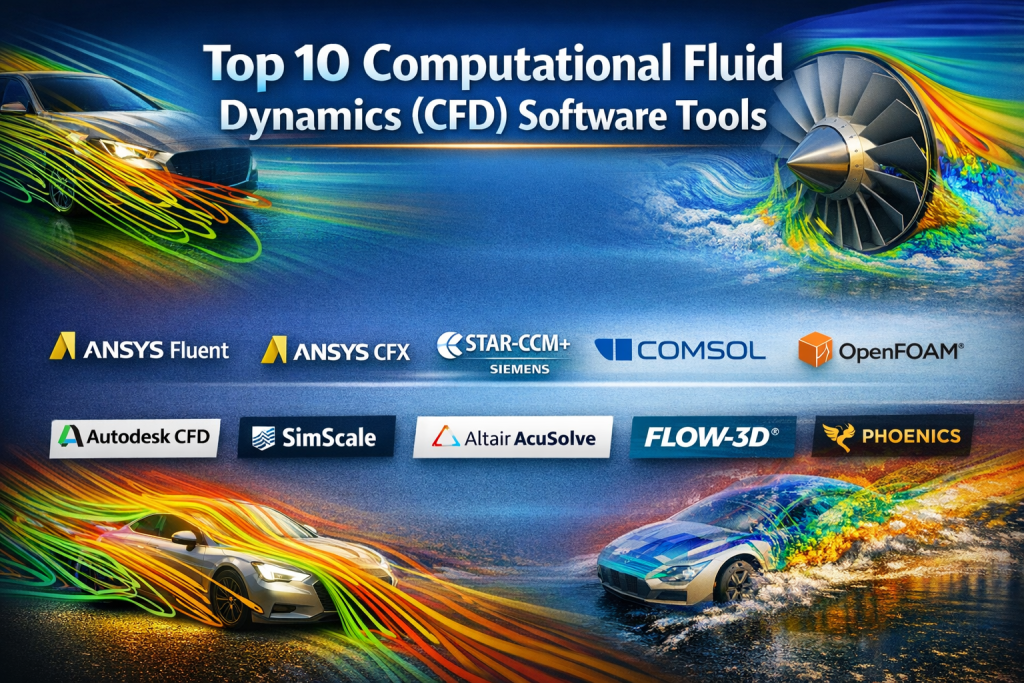
Top 10 Computational Fluid Dynamics (CFD) Software Tools
1 — ANSYS Fluent
Short description:
A market-leading CFD solver known for its accuracy, scalability, and deep physics modeling, widely used in industrial and academic environments.
Key features:
- Advanced turbulence, combustion, and multiphase models
- High-performance parallel solvers
- Extensive heat transfer and reacting flow capabilities
- GPU acceleration support
- Robust meshing integration
- Customization via user-defined functions (UDFs)
Pros:
- Industry-validated accuracy
- Extremely powerful for complex simulations
- Strong enterprise adoption
Cons:
- Steep learning curve
- Premium pricing
Security & compliance: Enterprise SSO, encryption, audit controls, ISO-aligned practices
Support & community: Excellent documentation, global support, strong academic and professional community
2 — ANSYS CFX
Short description:
A high-fidelity CFD solver optimized for turbomachinery and rotating flow simulations.
Key features:
- Robust rotating machinery modeling
- Transient and steady-state solvers
- Automatic mesh handling
- Strong convergence stability
- Multiphase flow modeling
Pros:
- Exceptional for turbines and compressors
- High numerical stability
Cons:
- Narrower use case than Fluent
- Requires expertise
Security & compliance: Enterprise-grade security controls
Support & community: Strong vendor support, specialized user base
H3: #3 — STAR-CCM+
Short description:
An integrated CFD platform combining simulation, meshing, and post-processing in a single workflow.
Key features:
- Unified simulation environment
- Automated meshing technology
- Multiphysics coupling
- Strong CAD integration
- High scalability on HPC systems
Pros:
- Excellent end-to-end workflow
- Strong for design optimization
Cons:
- Resource-intensive
- Licensing cost
Security & compliance: Enterprise security standards, access controls
Support & community: Enterprise-level support and training ecosystem
4 — COMSOL Multiphysics
Short description:
A flexible multiphysics simulation platform that includes CFD tightly coupled with other physical domains.
Key features:
- Equation-based modeling
- Strong multiphysics coupling
- Custom solver configuration
- Interactive visualization
- Broad application libraries
Pros:
- Extremely flexible
- Ideal for research and innovation
Cons:
- Performance tuning required
- Less automated meshing
Security & compliance: Varies by deployment
Support & community: High-quality documentation, strong academic use
5 — OpenFOAM
Short description:
A powerful open-source CFD toolbox offering maximum customization for advanced users.
Key features:
- Open-source architecture
- Highly customizable solvers
- Parallel computing support
- Large library of models
- Scriptable workflows
Pros:
- No licensing cost
- Unlimited flexibility
Cons:
- Steep learning curve
- Minimal official support
Security & compliance: N/A (self-managed)
Support & community: Large global open-source community
6 — Autodesk CFD
Short description:
A user-friendly CFD solution aimed at product designers and mechanical engineers.
Key features:
- Intuitive interface
- CAD-centric workflow
- Automated meshing
- Thermal and flow analysis
- Cloud simulation options
Pros:
- Easy to learn
- Strong design integration
Cons:
- Limited advanced physics
- Less suitable for research-grade simulations
Security & compliance: Standard enterprise protections
Support & community: Solid documentation and Autodesk ecosystem
7 — SimScale
Short description:
A cloud-native CFD platform enabling simulation without local hardware constraints.
Key features:
- Browser-based simulation
- Automatic scalability
- Real-time collaboration
- No local installation
- Integrated CAD import
Pros:
- No HPC setup required
- Ideal for distributed teams
Cons:
- Internet dependency
- Limited customization
Security & compliance: Encryption, access controls, GDPR-aligned
Support & community: Growing community, responsive support
8 — Altair AcuSolve
Short description:
A high-performance CFD solver optimized for speed and scalability.
Key features:
- Fast convergence
- Strong parallel efficiency
- Multiphysics modeling
- Robust meshing compatibility
- Automotive and aerospace focus
Pros:
- Excellent performance
- Efficient large-scale simulations
Cons:
- Smaller user base
- Less beginner-friendly
Security & compliance: Enterprise standards
Support & community: Professional support, niche community
9 — FLOW-3D
Short description:
A specialized CFD tool for free-surface and transient flow simulations.
Key features:
- TruVOF free-surface modeling
- Non-Newtonian flow support
- Moving objects and fluid-structure interaction
- Strong visualization
Pros:
- Excellent for complex free-surface problems
- High numerical accuracy
Cons:
- Specialized scope
- Premium pricing
Security & compliance: Varies by deployment
Support & community: Strong niche expertise and support
10 — Phoenics
Short description:
One of the earliest CFD packages, still used for general engineering simulations.
Key features:
- Broad physics coverage
- Customizable solvers
- Educational adoption
- Lightweight compared to modern suites
Pros:
- Proven legacy
- Flexible solver structure
Cons:
- Older interface
- Smaller ecosystem
Security & compliance: Varies / N/A
Support & community: Moderate support, legacy user base
Comparison Table
| Tool Name | Best For | Platform(s) Supported | Standout Feature | Rating |
|---|---|---|---|---|
| ANSYS Fluent | Enterprise CFD | Windows, Linux | Solver accuracy | N/A |
| ANSYS CFX | Turbomachinery | Windows, Linux | Rotating flows | N/A |
| STAR-CCM+ | Integrated CFD | Windows, Linux | Unified workflow | N/A |
| COMSOL | Multiphysics | Windows, macOS, Linux | Equation-based modeling | N/A |
| OpenFOAM | Custom CFD | Linux, Windows | Open-source flexibility | N/A |
| Autodesk CFD | Designers | Windows | Ease of use | N/A |
| SimScale | Cloud CFD | Browser | Cloud scalability | N/A |
| Altair AcuSolve | HPC CFD | Windows, Linux | Performance | N/A |
| FLOW-3D | Free-surface | Windows, Linux | TruVOF | N/A |
| Phoenics | General CFD | Windows, Linux | Legacy reliability | N/A |
Evaluation & Scoring of Computational Fluid Dynamics (CFD) Software
| Criteria | Weight | Average Score |
|---|---|---|
| Core features | 25% | High |
| Ease of use | 15% | Medium |
| Integrations & ecosystem | 15% | High |
| Security & compliance | 10% | Medium |
| Performance & reliability | 10% | High |
| Support & community | 10% | High |
| Price / value | 15% | Medium |
Which Computational Fluid Dynamics (CFD) Software Tool Is Right for You?
- Solo users & researchers: OpenFOAM, COMSOL
- SMBs & design teams: Autodesk CFD, SimScale
- Mid-market engineering teams: STAR-CCM+, Altair AcuSolve
- Enterprises & R&D: ANSYS Fluent, ANSYS CFX
Budget-conscious users may prefer open-source or cloud-based platforms, while organizations requiring deep physics, compliance, and scalability should invest in enterprise-grade tools.
Frequently Asked Questions (FAQs)
- Is CFD software only for aerospace?
No, it is widely used in automotive, energy, HVAC, biomedical, and electronics industries. - Do I need HPC for CFD?
Not always. Small models can run locally; large simulations benefit from HPC or cloud platforms. - Is open-source CFD reliable?
Yes, but it requires expertise and self-support. - How long does CFD training take?
Basic proficiency may take weeks; advanced mastery can take months. - Can CFD replace physical testing?
It reduces but does not fully replace experimental validation. - Is cloud CFD secure?
Most platforms use encryption and access controls, but policies vary. - Which tool is best for beginners?
Autodesk CFD and SimScale are generally more approachable. - Are multiphysics simulations important?
Yes, especially when heat, structure, and fluid interactions coexist. - What is the biggest CFD mistake?
Poor meshing and incorrect boundary conditions. - Is CFD expensive?
Costs vary widely depending on licensing and infrastructure.
Conclusion
Computational Fluid Dynamics software has become indispensable for modern engineering and scientific innovation. From improving aerodynamic efficiency to ensuring thermal safety and optimizing fluid systems, CFD enables smarter, faster, and more cost-effective decision-making.
There is no single “best” CFD tool for everyone. The ideal choice depends on your industry, simulation complexity, team expertise, budget, and scalability needs. By aligning tool capabilities with real-world requirements, organizations can unlock the full power of CFD and drive better engineering outcomes.

Find Trusted Cardiac Hospitals
Compare heart hospitals by city and services — all in one place.
Explore Hospitals