
Introduction
Game engines are the backbone of modern video game development. They provide developers with a unified environment to design, build, test, and deploy games across platforms—without having to code everything from scratch. A game engine typically combines rendering, physics, animation, audio, scripting, asset management, and deployment tools into a single ecosystem.
The importance of game engines goes far beyond entertainment. Today, they power mobile games, AAA console titles, VR/AR experiences, simulations, serious games, architectural visualization, automotive design, and digital twins. With real-time rendering and interactive capabilities, game engines have become a core technology for multiple industries.
When choosing a game engine, users should evaluate factors such as supported platforms, learning curve, programming language, performance, scalability, licensing cost, asset ecosystem, community support, and long-term viability. The right engine can significantly reduce development time, improve performance, and future-proof projects.
Best for:
Game engines benefit indie developers, studios of all sizes, mobile app creators, AR/VR teams, simulation engineers, educators, and enterprises building interactive 3D experiences.
Not ideal for:
They may be unnecessary for simple 2D apps, static visualizations, or non-interactive software, where lighter frameworks or custom tools may be more efficient.
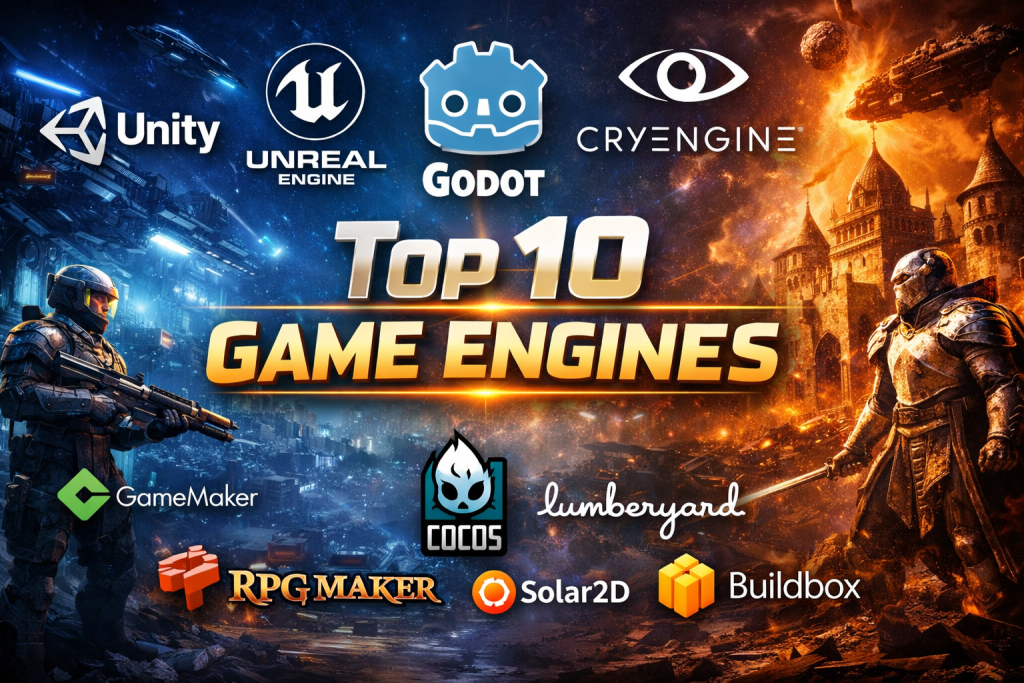
Top 10 Game Engines Tools
1 — Unity
Short description:
Unity is one of the most widely used game engines globally, known for its flexibility, rapid prototyping, and dominance in mobile and indie development.
Key features:
- Cross-platform deployment (mobile, PC, console, AR/VR)
- C# scripting with strong IDE integration
- Large asset store and plugin ecosystem
- Real-time 2D and 3D rendering
- Built-in physics, animation, and audio systems
- Extensive AR/VR and XR toolkits
Pros:
- Massive community and learning resources
- Fast development cycle and prototyping
- Excellent mobile and indie support
Cons:
- Licensing changes can impact budgeting
- Performance tuning required for large projects
- Enterprise costs can be high
Security & compliance:
SSO, role-based access, GDPR support (enterprise plans)
Support & community:
Excellent documentation, tutorials, forums, and enterprise support
2 — Unreal Engine
Short description:
Unreal Engine is a high-performance engine favored for AAA games, realistic visuals, and cinematic experiences.
Key features:
- Industry-leading real-time rendering
- Blueprint visual scripting system
- C++ source-level access
- Advanced lighting (Lumen) and geometry (Nanite)
- Strong multiplayer and networking tools
- Film, automotive, and simulation support
Pros:
- Exceptional visual fidelity
- Powerful tools for large-scale projects
- No upfront license cost
Cons:
- Steep learning curve
- Heavy system requirements
- Complex for small projects
Security & compliance:
Enterprise security controls, source access, GDPR support
Support & community:
Strong community, learning portal, enterprise contracts available
3 — Godot
Short description:
Godot is an open-source, lightweight game engine ideal for indie developers and teams seeking full control.
Key features:
- Open-source with no licensing fees
- GDScript, C#, and C++ support
- 2D-first architecture with strong 3D support
- Modular editor and scene system
- Small runtime footprint
- Cross-platform export
Pros:
- Completely free and transparent
- Fast iteration and small builds
- Strong 2D development tools
Cons:
- Smaller ecosystem than Unity
- Fewer high-end AAA features
- Limited enterprise tooling
Security & compliance:
N/A (depends on deployment environment)
Support & community:
Growing open-source community, active forums, community plugins
4 — CryEngine
Short description:
CryEngine focuses on realism and high-end graphics, particularly for large outdoor and FPS environments.
Key features:
- Advanced lighting and environmental rendering
- Real-time level editing
- Visual scripting tools
- Native VR support
- High-performance physics
- Sandbox editor
Pros:
- Stunning visuals out of the box
- Excellent terrain and environment tools
- No mandatory royalties
Cons:
- Smaller community
- Less documentation than competitors
- Limited mobile focus
Security & compliance:
Varies by deployment
Support & community:
Moderate community, professional support available
5 — GameMaker
Short description:
GameMaker is a beginner-friendly engine optimized for fast 2D game development.
Key features:
- Drag-and-drop and scripting options
- Fast 2D rendering pipeline
- Cross-platform exports
- Integrated asset pipeline
- Simple UI and workflows
Pros:
- Very easy to learn
- Rapid development for 2D games
- Strong educational use
Cons:
- Limited 3D support
- Less suitable for large projects
- Advanced customization constraints
Security & compliance:
N/A
Support & community:
Good documentation, tutorials, and community forums
6 — Cocos
Short description:
Cocos is a lightweight engine widely used for mobile and casual games, especially in Asia.
Key features:
- Optimized mobile performance
- JavaScript, TypeScript, and C++ support
- Small engine footprint
- Strong 2D capabilities
- Open-source components
Pros:
- Excellent mobile optimization
- Lightweight and fast
- Flexible scripting languages
Cons:
- Smaller global community
- Limited high-end 3D tools
- Less enterprise adoption
Security & compliance:
Varies / N/A
Support & community:
Active regional community, solid documentation
7 — Amazon Lumberyard
Short description:
Amazon Lumberyard integrates game development with cloud services and large-scale multiplayer support.
Key features:
- Deep cloud and backend integration
- High-quality rendering
- Multiplayer and server hosting tools
- Visual scripting
- No royalties
Pros:
- Strong online and cloud features
- Enterprise-grade infrastructure
- No revenue share
Cons:
- Complex setup
- Smaller developer ecosystem
- Slower innovation pace
Security & compliance:
Enterprise security, compliance alignment via cloud services
Support & community:
Professional support, moderate community activity
8 — RPG Maker
Short description:
RPG Maker is a niche engine designed specifically for 2D role-playing games.
Key features:
- Pre-built RPG systems
- Tile-based maps
- Event-driven scripting
- Minimal coding required
- Asset libraries included
Pros:
- Extremely beginner-friendly
- Fast RPG creation
- Low learning curve
Cons:
- Very limited scope
- Not suitable for other genres
- Performance constraints
Security & compliance:
N/A
Support & community:
Dedicated niche community, tutorials, plugins
9 — Solar2D
Short description:
Solar2D is an open-source 2D engine focused on mobile game performance and simplicity.
Key features:
- Lua scripting
- Mobile-first design
- Open-source framework
- Lightweight builds
- Fast iteration cycles
Pros:
- Simple and efficient
- Free and open-source
- Good for mobile 2D games
Cons:
- Limited 3D support
- Smaller ecosystem
- Fewer updates
Security & compliance:
N/A
Support & community:
Small but dedicated community
10 — Buildbox
Short description:
Buildbox is a no-code game engine for non-developers and rapid mobile game creation.
Key features:
- Visual logic editor
- Drag-and-drop workflows
- Mobile-focused exports
- Monetization tools
- Pre-built templates
Pros:
- No programming required
- Very fast prototyping
- Beginner-friendly
Cons:
- Limited customization
- Subscription costs
- Not suitable for complex games
Security & compliance:
N/A
Support & community:
Documentation, tutorials, standard support
Comparison Table
| Tool Name | Best For | Platform(s) Supported | Standout Feature | Rating |
|---|---|---|---|---|
| Unity | Indie & mobile games | Mobile, PC, Console, XR | Asset ecosystem | N/A |
| Unreal Engine | AAA & cinematic games | PC, Console, XR | Visual fidelity | N/A |
| Godot | Open-source indie dev | PC, Mobile, Web | No licensing | N/A |
| CryEngine | Realistic environments | PC, Console | Environment rendering | N/A |
| GameMaker | 2D beginners | PC, Mobile, Console | Ease of use | N/A |
| Cocos | Mobile casual games | Mobile, PC | Performance | N/A |
| Lumberyard | Online multiplayer | PC, Console | Cloud integration | N/A |
| RPG Maker | RPG creators | PC | Genre specialization | N/A |
| Solar2D | Mobile 2D games | Mobile | Lightweight | N/A |
| Buildbox | No-code creators | Mobile | Visual logic | N/A |
Evaluation & Scoring of Game Engines
| Criteria | Weight | Unity | Unreal | Godot |
|---|---|---|---|---|
| Core features | 25% | High | Very High | Medium |
| Ease of use | 15% | High | Medium | High |
| Integrations & ecosystem | 15% | Very High | High | Medium |
| Security & compliance | 10% | Medium | High | Low |
| Performance & reliability | 10% | High | Very High | Medium |
| Support & community | 10% | Very High | High | Medium |
| Price / value | 15% | Medium | High | Very High |
Which Game Engines Tool Is Right for You?
- Solo developers: Godot, GameMaker, Buildbox
- SMBs: Unity, Cocos
- Mid-market studios: Unity, Unreal Engine
- Enterprise & AAA: Unreal Engine, CryEngine
Budget-conscious users benefit from open-source or royalty-free engines.
Premium users gain from advanced rendering and enterprise support.
Ease of use vs depth depends on team skills.
Scalability and integration matter for long-term projects.
Security & compliance are crucial for enterprise simulations and training.
Frequently Asked Questions (FAQs)
- What is a game engine?
A software framework that provides tools to build, render, and deploy games. - Are game engines only for games?
No. They are used for simulations, VR, training, and visualization. - Which engine is best for beginners?
GameMaker, Buildbox, and Godot are beginner-friendly. - Which engine offers the best graphics?
Unreal Engine leads in visual realism. - Are free engines reliable?
Yes, many open-source engines are production-ready. - Do game engines support mobile platforms?
Most modern engines support Android and iOS. - Is coding always required?
Not always. Some engines offer visual scripting or no-code tools. - Can engines handle multiplayer games?
Yes, but complexity varies by engine. - What are common mistakes when choosing an engine?
Ignoring scalability, licensing, and long-term support. - Can I switch engines later?
Possible, but costly—choose carefully early on.
Conclusion
Game engines are powerful platforms that shape how interactive experiences are built and delivered. The best choice depends on project scope, budget, team expertise, performance needs, and long-term goals. There is no single universal winner—only the right tool for the right use case. By carefully evaluating features, trade-offs, and ecosystem strength, developers and organizations can select an engine that enables creativity, scalability, and success.

Find Trusted Cardiac Hospitals
Compare heart hospitals by city and services — all in one place.
Explore Hospitals