
Introduction
Speech-to-Text (STT), also known as transcription technology, converts spoken language into written text using advanced machine learning and natural language processing. What once required hours of manual typing can now be completed in minutes with impressive accuracy. As remote work, video content, podcasts, online meetings, and digital documentation continue to grow, transcription platforms have become essential productivity tools rather than optional add-ons.
These platforms are widely used across industries such as media, education, healthcare, legal, customer support, and software development. From transcribing meetings and interviews to creating subtitles, accessibility content, and searchable archives, STT tools help teams save time, reduce costs, and improve knowledge sharing.
When choosing a Speech-to-Text platform, users should evaluate accuracy, language support, real-time vs batch transcription, integrations, ease of use, security, compliance, scalability, and pricing. Not every tool fits every workflow, and understanding your specific needs is critical before making a decision.
Best for:
Speech-to-Text platforms are ideal for content creators, journalists, podcasters, researchers, students, educators, legal professionals, healthcare providers, product teams, and enterprises managing large volumes of audio or video content.
Not ideal for:
They may be less useful for users with very low transcription needs, extremely noisy or low-quality audio sources, or scenarios where human-level nuance and emotional interpretation are mandatory without post-editing.
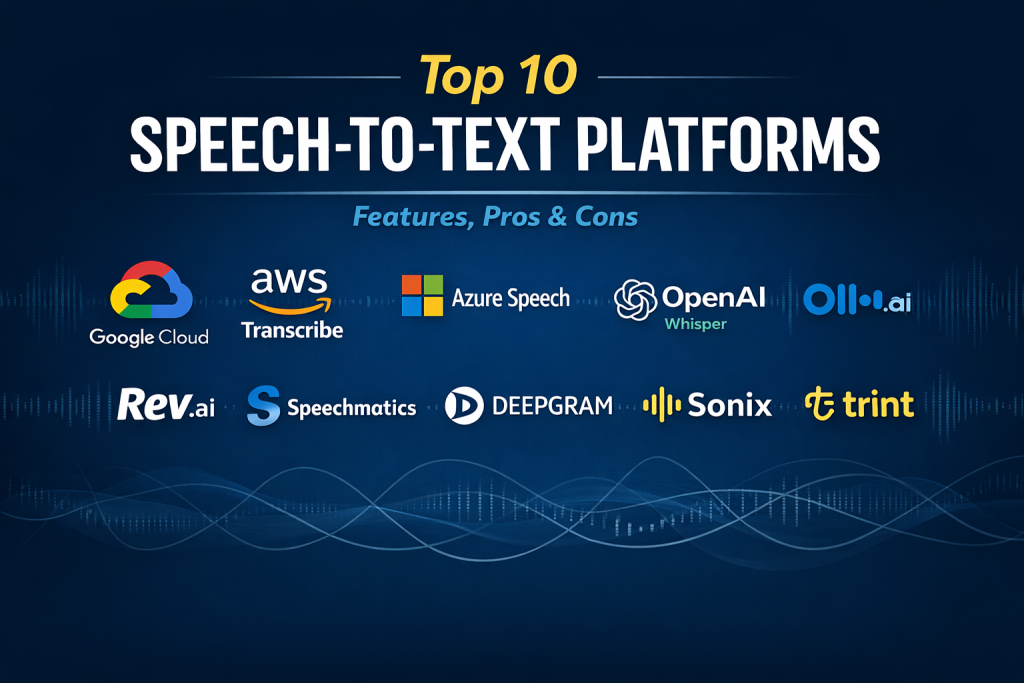
Top 10 Speech-to-Text (Transcription) Platforms Tools
1 — Google Cloud Speech-to-Text
Short description:
An enterprise-grade transcription engine built on Google’s AI infrastructure, designed for developers and organizations requiring high accuracy and scalability.
Key features:
- Real-time and batch transcription
- Automatic punctuation and speaker diarization
- Support for multiple languages and dialects
- Noise-robust speech recognition
- Custom vocabulary and domain adaptation
- Streaming API for live use cases
Pros:
- Very high accuracy for clear audio
- Scales easily for enterprise workloads
Cons:
- Developer-centric setup
- Costs can increase with heavy usage
Security & compliance:
Encryption in transit and at rest, GDPR, ISO certifications (varies by region).
Support & community:
Extensive documentation, strong developer community, enterprise support available.
2 — Amazon Transcribe
Short description:
A cloud-based transcription service optimized for large-scale, automated speech recognition within the AWS ecosystem.
Key features:
- Real-time and asynchronous transcription
- Speaker identification and channel separation
- Custom vocabulary filtering
- Medical and call analytics variants
- Tight integration with AWS services
Pros:
- Reliable performance at scale
- Strong integration for AWS users
Cons:
- Less friendly UI for non-technical users
- Customization requires configuration effort
Security & compliance:
SOC 2, HIPAA eligible, GDPR, encryption at rest and in transit.
Support & community:
Detailed documentation, enterprise-grade AWS support plans.
3 — Microsoft Azure Speech to Text
Short description:
A flexible transcription service within Microsoft’s AI stack, suitable for enterprises and developers needing customization.
Key features:
- Real-time and batch transcription
- Custom speech models
- Speaker diarization
- Integration with Microsoft tools
- Multi-language support
Pros:
- Strong enterprise compliance
- Custom model training available
Cons:
- Setup complexity for beginners
- UI less intuitive than SaaS tools
Security & compliance:
SOC, ISO, GDPR, HIPAA support depending on configuration.
Support & community:
Enterprise documentation, strong Microsoft partner ecosystem.
4 — OpenAI Whisper
Short description:
A highly accurate AI transcription model known for handling accents, noisy audio, and multilingual content.
Key features:
- Excellent multilingual transcription
- Handles background noise well
- Open-model flexibility
- Batch processing
- Strong contextual understanding
Pros:
- Exceptional accuracy
- Works well on difficult audio
Cons:
- No built-in UI
- Requires technical implementation
Security & compliance:
Varies / N/A depending on deployment.
Support & community:
Large open-source community, extensive third-party resources.
5 — Otter.ai
Short description:
A user-friendly transcription platform focused on meetings, interviews, and collaborative note-taking.
Key features:
- Real-time meeting transcription
- Speaker identification
- Keyword highlights and summaries
- Team collaboration features
- Cloud-based storage
Pros:
- Very easy to use
- Great for meetings and interviews
Cons:
- Limited customization
- Accuracy drops in noisy environments
Security & compliance:
Encryption in transit, GDPR support.
Support & community:
Good onboarding, responsive customer support, growing user base.
6 — Rev.ai
Short description:
An API-first transcription platform combining automated speech recognition with optional human review.
Key features:
- Fast automated transcription
- Optional human-edited accuracy
- Speaker diarization
- API-driven workflows
- Caption and subtitle support
Pros:
- Flexible accuracy options
- Developer-friendly APIs
Cons:
- Costs increase with human review
- Limited UI features
Security & compliance:
SOC 2, GDPR alignment.
Support & community:
Strong documentation, professional customer support.
7 — Speechmatics
Short description:
A transcription platform emphasizing accuracy, fairness, and global language coverage.
Key features:
- Real-time and batch transcription
- Strong accent and dialect handling
- On-prem and cloud deployment
- Speaker diarization
- Media-focused workflows
Pros:
- Excellent global language support
- Bias-aware recognition models
Cons:
- Higher pricing
- Enterprise-oriented setup
Security & compliance:
ISO standards, GDPR compliance.
Support & community:
Enterprise onboarding, dedicated account management.
8 — Deepgram
Short description:
A performance-optimized STT platform designed for real-time applications and large audio datasets.
Key features:
- Low-latency real-time transcription
- Custom acoustic models
- Developer-first APIs
- Streaming support
- Scalable infrastructure
Pros:
- Very fast processing
- Highly customizable
Cons:
- Technical learning curve
- Minimal UI features
Security & compliance:
SOC 2, GDPR, encryption standards.
Support & community:
Developer-focused documentation, responsive technical support.
9 — Sonix
Short description:
A SaaS transcription platform popular with content creators and media teams.
Key features:
- Automated transcription and translation
- In-browser text editor
- Subtitle and caption export
- Team collaboration
- Multi-language support
Pros:
- Clean, intuitive interface
- Good editing tools
Cons:
- Not ideal for real-time use
- Limited API depth
Security & compliance:
Encryption at rest and in transit, GDPR support.
Support & community:
Helpful documentation, email support.
10 — Trint
Short description:
A transcription and collaboration tool built specifically for journalists and media professionals.
Key features:
- Automated transcription
- Collaborative editing
- Story-building tools
- Multi-language support
- Export to multiple formats
Pros:
- Excellent for newsroom workflows
- Strong collaboration features
Cons:
- Higher pricing tiers
- Less suited for developers
Security & compliance:
GDPR compliant, enterprise security options.
Support & community:
Media-focused support resources, onboarding assistance.
Comparison Table
| Tool Name | Best For | Platform(s) Supported | Standout Feature | Rating |
|---|---|---|---|---|
| Google Cloud Speech-to-Text | Enterprise & developers | Cloud, API | Accuracy & scalability | N/A |
| Amazon Transcribe | AWS-centric teams | Cloud, API | Deep AWS integration | N/A |
| Microsoft Azure STT | Regulated enterprises | Cloud, API | Custom speech models | N/A |
| OpenAI Whisper | Multilingual accuracy | Self-hosted, API | Handles noisy audio | N/A |
| Otter.ai | Meetings & interviews | Web, mobile | Real-time collaboration | N/A |
| Rev.ai | API + human review | API | Accuracy flexibility | N/A |
| Speechmatics | Global enterprises | Cloud, on-prem | Accent fairness | N/A |
| Deepgram | Real-time apps | API | Low-latency processing | N/A |
| Sonix | Content creators | Web | Editing experience | N/A |
| Trint | Media teams | Web | Story workflows | N/A |
Evaluation & Scoring of Speech-to-Text (Transcription) Platforms
| Criteria | Weight | Average Score |
|---|---|---|
| Core features | 25% | High |
| Ease of use | 15% | Medium–High |
| Integrations & ecosystem | 15% | High |
| Security & compliance | 10% | High |
| Performance & reliability | 10% | High |
| Support & community | 10% | Medium |
| Price / value | 15% | Medium |
Which Speech-to-Text (Transcription) Platforms Tool Is Right for You?
- Solo users: Tools like Otter.ai, Sonix, or Trint provide ease of use and quick results.
- SMBs: Rev.ai or Sonix balance affordability with professional features.
- Mid-market: Deepgram and Speechmatics offer scalability without full enterprise overhead.
- Enterprise: Google, Amazon, and Microsoft platforms excel in compliance and scale.
Budget-conscious users should prioritize ease of use and pay-as-you-go pricing, while premium users benefit from customization, security, and integrations. Always align the tool with your compliance needs and long-term scalability plans.
Frequently Asked Questions (FAQs)
1. How accurate are modern transcription tools?
Most achieve high accuracy on clear audio, with performance improving through AI training.
2. Can these tools handle multiple speakers?
Yes, many support speaker diarization with varying reliability.
3. Do they work in real time?
Several platforms offer real-time transcription for meetings and calls.
4. Are they suitable for legal or medical use?
Some provide compliance features suitable for regulated industries.
5. Can I edit transcripts after transcription?
Most SaaS tools include built-in editors.
6. How do they handle accents?
Advanced models handle accents well, but accuracy varies.
7. Is offline transcription possible?
Yes, with self-hosted or on-prem solutions.
8. Are transcripts searchable?
Yes, most platforms support text search and indexing.
9. What file formats are supported?
Common audio and video formats are widely supported.
10. Do I still need human review?
For high-stakes content, human review is recommended.
Conclusion
Speech-to-Text platforms have become indispensable tools for turning spoken content into actionable, searchable text. While accuracy and speed have improved dramatically, the right choice depends on use case, scale, budget, and compliance requirements. There is no universal winner—only the tool that best aligns with your specific needs. By carefully evaluating features, usability, security, and long-term value, you can confidently select a transcription platform that truly supports your workflow and growth.

Find Trusted Cardiac Hospitals
Compare heart hospitals by city and services — all in one place.
Explore Hospitals