
Introduction
Computer Vision Platforms are specialized software systems that enable machines to see, analyze, and understand visual data such as images, videos, and live camera feeds. Using advanced techniques like deep learning, convolutional neural networks (CNNs), and image processing, these platforms transform raw visual input into meaningful insights that can drive automation, decision-making, and real-time intelligence.
The importance of computer vision has grown rapidly as industries adopt AI-driven automation, smart surveillance, quality inspection, autonomous systems, and visual analytics. From detecting defects on a manufacturing line to enabling facial recognition at scale or powering medical image diagnostics, computer vision platforms are now a core part of modern AI stacks.
Key real-world use cases include:
- Image and video classification
- Object detection and tracking
- Facial recognition and identity verification
- Medical imaging and diagnostics
- Retail analytics and visual search
- Autonomous vehicles and robotics
- Industrial inspection and defect detection
When choosing a computer vision platform, users should evaluate model accuracy, scalability, ease of deployment, integration capabilities, security, compliance, and cost. Some platforms focus on no-code simplicity, while others offer deep customization for advanced ML teams.
Best for:
Computer Vision Platforms are ideal for AI engineers, data scientists, ML teams, product managers, enterprises, startups, and research teams across industries such as healthcare, manufacturing, retail, automotive, security, and media.
Not ideal for:
They may not be necessary for simple image processing tasks, static websites, or teams without any need for visual data analysis. In such cases, lightweight open-source libraries or traditional image tools may be sufficient.
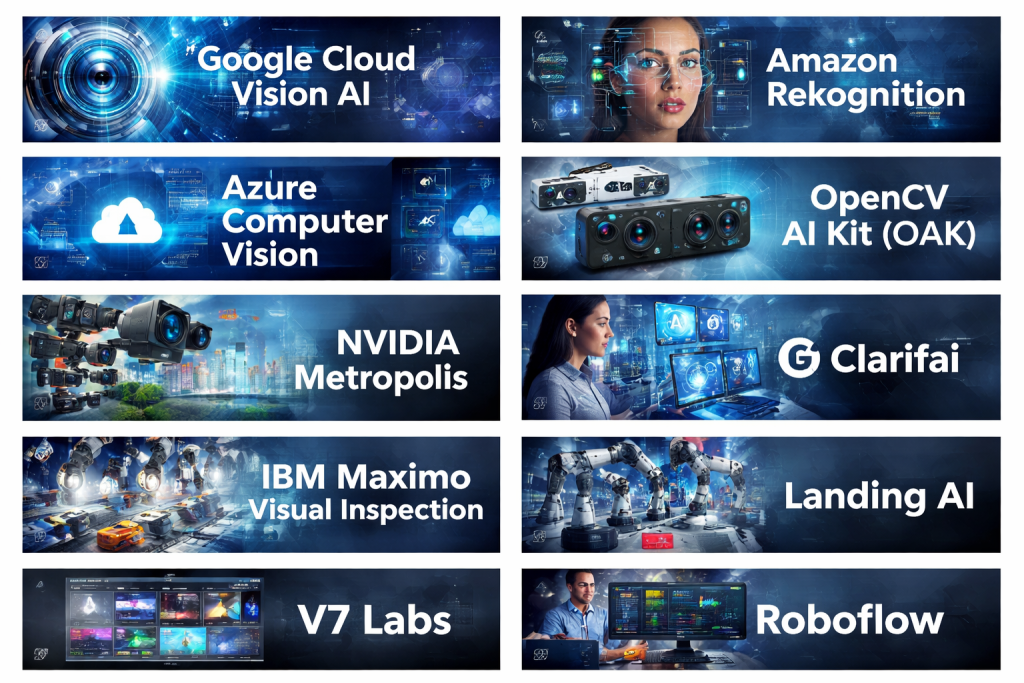
Top 10 Computer Vision Platforms Tools
1 — Google Cloud Vision AI
Short description:
A scalable, cloud-based computer vision platform offering pre-trained models and custom training for enterprise and developer use cases.
Key features:
- Image and video analysis APIs
- Object, face, logo, and text detection
- AutoML Vision for custom models
- High scalability on cloud infrastructure
- Real-time and batch processing
- Integration with broader AI ecosystem
Pros:
- High accuracy with mature models
- Strong enterprise scalability
- Seamless integration with cloud services
Cons:
- Cost can rise at scale
- Limited control over underlying models
Security & compliance:
Supports encryption, IAM, audit logs, GDPR, ISO, SOC 2 (varies by configuration).
Support & community:
Extensive documentation, enterprise support, and large developer community.
2 — Amazon Rekognition
Short description:
A managed computer vision service designed for image and video recognition, particularly strong in facial analysis and media workflows.
Key features:
- Facial recognition and analysis
- Object and activity detection
- Video stream analysis
- Identity verification capabilities
- Scales automatically
- Integration with cloud storage and services
Pros:
- Strong video analysis capabilities
- Easy to integrate into existing cloud stacks
- Highly scalable
Cons:
- Privacy concerns in certain regions
- Pricing complexity
Security & compliance:
Encryption, IAM, audit logs, GDPR support; compliance varies by use case.
Support & community:
Good documentation, enterprise-grade support, active user base.
3 — Microsoft Azure Computer Vision
Short description:
An enterprise-focused vision platform offering pre-built and customizable AI models for image and video understanding.
Key features:
- Image tagging and classification
- OCR and handwriting recognition
- Video analysis
- Custom vision model training
- Cloud and hybrid support
- Integration with enterprise tools
Pros:
- Strong enterprise integration
- Reliable OCR and document vision
- Flexible deployment options
Cons:
- Learning curve for beginners
- Pricing can be high at scale
Security & compliance:
SOC 2, ISO, GDPR, HIPAA support depending on configuration.
Support & community:
Strong enterprise support, good documentation, active community.
4 — OpenCV AI Kit (OAK)
Short description:
A hardware-accelerated computer vision platform combining cameras and AI processing for edge deployments.
Key features:
- Edge-based vision processing
- Depth sensing and stereo vision
- Low-latency inference
- Open-source software stack
- Supports custom models
- Real-time performance
Pros:
- Excellent for edge AI use cases
- Low latency and offline processing
- Open ecosystem
Cons:
- Requires hardware setup
- Not purely cloud-based
Security & compliance:
Varies / N/A (depends on deployment environment).
Support & community:
Strong open-source community, good documentation.
5 — NVIDIA Metropolis
Short description:
A powerful computer vision and video analytics platform built on GPU acceleration for smart city and industrial use cases.
Key features:
- GPU-accelerated inference
- Video analytics pipelines
- Edge and data center deployment
- Pre-trained and custom models
- Real-time multi-camera processing
- Scalable architecture
Pros:
- Industry-leading performance
- Ideal for large-scale video analytics
- Strong ecosystem
Cons:
- Requires NVIDIA hardware
- Higher cost of ownership
Security & compliance:
Enterprise-grade security; compliance varies by deployment.
Support & community:
Strong enterprise support, active developer ecosystem.
6 — Clarifai
Short description:
A flexible AI platform specializing in visual recognition with strong support for custom workflows and governance.
Key features:
- Image and video recognition
- Custom model training
- Workflow orchestration
- Model versioning and governance
- Multi-modal AI support
- API-first design
Pros:
- Flexible and customizable
- Strong governance features
- Good balance of power and usability
Cons:
- UI may feel complex for beginners
- Advanced features require expertise
Security & compliance:
SOC 2, GDPR, enterprise security features.
Support & community:
Good documentation, responsive support, growing community.
7 — IBM Maximo Visual Inspection
Short description:
An industrial-focused computer vision platform designed for quality inspection and defect detection.
Key features:
- Visual defect detection
- No-code model training
- Edge deployment support
- Industrial camera integration
- Workflow automation
- Performance monitoring
Pros:
- Strong for manufacturing use cases
- No-code capabilities
- Reliable industrial performance
Cons:
- Limited general-purpose vision use
- Enterprise pricing
Security & compliance:
Enterprise-grade security, GDPR, ISO support.
Support & community:
Strong enterprise support, smaller community.
8 — Landing AI
Short description:
A computer vision platform focused on visual inspection and manufacturing quality control.
Key features:
- Data-centric AI approach
- Defect detection models
- Small data training support
- Edge deployment
- Continuous improvement workflows
- Industrial-grade accuracy
Pros:
- Excellent for manufacturing
- Works well with limited data
- High accuracy
Cons:
- Narrower scope beyond inspection
- Premium pricing
Security & compliance:
Enterprise-grade security; compliance varies.
Support & community:
Strong onboarding and enterprise support.
9 — V7 Labs
Short description:
A modern computer vision platform focused on dataset management, annotation, and model training.
Key features:
- Image and video annotation
- Dataset versioning
- Model training pipelines
- Collaboration tools
- Supports multiple model frameworks
- Workflow automation
Pros:
- Excellent annotation and data tools
- Clean UI
- Strong team collaboration
Cons:
- Limited out-of-the-box inference
- Less focus on deployment
Security & compliance:
GDPR-compliant, standard security features.
Support & community:
Good documentation, growing user base.
10 — Roboflow
Short description:
A developer-friendly computer vision platform for building, training, and deploying vision models quickly.
Key features:
- Dataset preparation and augmentation
- Model training and hosting
- Edge and cloud deployment
- API-based inference
- Supports popular frameworks
- Rapid prototyping tools
Pros:
- Very easy to use
- Fast experimentation
- Strong educational resources
Cons:
- Limited enterprise governance
- Advanced scaling can be costly
Security & compliance:
Basic security features; compliance varies.
Support & community:
Excellent tutorials, active community, responsive support.
Comparison Table
| Tool Name | Best For | Platform(s) Supported | Standout Feature | Rating |
|---|---|---|---|---|
| Google Cloud Vision AI | Enterprise vision analytics | Cloud | High-accuracy pre-trained models | N/A |
| Amazon Rekognition | Video & face analysis | Cloud | Real-time video recognition | N/A |
| Azure Computer Vision | Enterprise & document vision | Cloud / Hybrid | OCR and enterprise integration | N/A |
| OpenCV AI Kit | Edge AI projects | Edge / Hardware | Low-latency on-device inference | N/A |
| NVIDIA Metropolis | Smart cities & surveillance | Edge / Data center | GPU-accelerated video analytics | N/A |
| Clarifai | Custom AI workflows | Cloud | Model governance & flexibility | N/A |
| IBM Maximo Visual Inspection | Manufacturing QA | Edge / Cloud | No-code defect detection | N/A |
| Landing AI | Industrial inspection | Edge | Small-data training | N/A |
| V7 Labs | Dataset management | Cloud | Annotation & versioning | N/A |
| Roboflow | Rapid prototyping | Cloud / Edge | Developer-friendly workflows | N/A |
Evaluation & Scoring of Computer Vision Platforms
| Criteria | Weight | Evaluation Notes |
|---|---|---|
| Core features | 25% | Breadth and depth of vision capabilities |
| Ease of use | 15% | UI, learning curve, no-code support |
| Integrations & ecosystem | 15% | APIs, SDKs, third-party support |
| Security & compliance | 10% | Enterprise readiness and certifications |
| Performance & reliability | 10% | Accuracy, latency, scalability |
| Support & community | 10% | Documentation, responsiveness |
| Price / value | 15% | ROI relative to features |
Which Computer Vision Platforms Tool Is Right for You?
- Solo users & startups: Tools like Roboflow or V7 Labs offer fast setup and lower barriers to entry.
- SMBs: Clarifai or Azure Computer Vision provide balance between power and usability.
- Mid-market companies: Google Cloud Vision AI and Landing AI deliver scalability and accuracy.
- Enterprises: NVIDIA Metropolis, Amazon Rekognition, and IBM Maximo excel in performance, governance, and scale.
Budget-conscious teams should prioritize ease of use and managed services, while premium users benefit from hardware acceleration and enterprise features. Always match feature depth, integration needs, and compliance requirements to your business goals.
Frequently Asked Questions (FAQs)
1. What is a computer vision platform?
A software system that enables machines to analyze images and videos using AI models.
2. Do I need deep ML knowledge to use these tools?
Not always. Many platforms offer no-code or low-code options.
3. Are these platforms suitable for real-time video analysis?
Yes, especially platforms optimized for video and edge deployment.
4. How accurate are pre-trained models?
Accuracy is generally high but varies by use case and data quality.
5. Can I deploy models on edge devices?
Several platforms support edge and offline deployments.
6. Are these tools secure for enterprise use?
Most enterprise-grade platforms offer encryption, IAM, and compliance support.
7. How expensive are computer vision platforms?
Costs vary widely based on usage, scale, and features.
8. Can I train models with small datasets?
Some platforms specialize in small-data learning and data-centric AI.
9. What industries benefit most from computer vision?
Manufacturing, healthcare, retail, automotive, security, and logistics.
10. What is a common mistake when choosing a platform?
Overpaying for advanced features that are never used.
Conclusion
Computer Vision Platforms have become essential tools for transforming visual data into actionable intelligence. From cloud-based APIs to edge-optimized systems, today’s platforms offer a wide range of capabilities tailored to different industries and team sizes.
When choosing a platform, focus on accuracy, scalability, ease of use, integration, and compliance rather than brand popularity alone. The “best” computer vision platform is not universal—it depends on your data, goals, budget, and deployment needs. By aligning these factors, organizations can unlock the full potential of visual AI and build smarter, more efficient systems.

Find Trusted Cardiac Hospitals
Compare heart hospitals by city and services — all in one place.
Explore Hospitals