
Introduction
Online Booking Software is a digital solution that allows businesses and service providers to let customers schedule appointments, reservations, or services online without manual coordination. Instead of phone calls, emails, or walk-ins, users can view real-time availability, select a time slot, and confirm bookings instantly. This automation has become essential as customers increasingly expect fast, self-service experiences across industries.
The importance of online booking software goes beyond convenience. It helps businesses reduce no-shows, optimize staff utilization, improve customer experience, and centralize scheduling data. From healthcare clinics and salons to hotels, consultants, and training institutes, booking platforms streamline operations while offering customers flexibility and transparency.
When choosing online booking software, users should evaluate factors such as ease of use, customization, integrations, payment handling, reminders, scalability, and security. The right tool should align with business size, industry needs, and customer expectations rather than offering unnecessary complexity.
Best for:
Online Booking Software is ideal for service-based businesses, professionals, SMBs, enterprises, healthcare providers, educational institutes, hospitality businesses, and platforms managing recurring or multi-resource bookings.
Not ideal for:
It may not be suitable for businesses with no appointment-based workflows, extremely low booking volume, or those relying entirely on offline or walk-in operations.
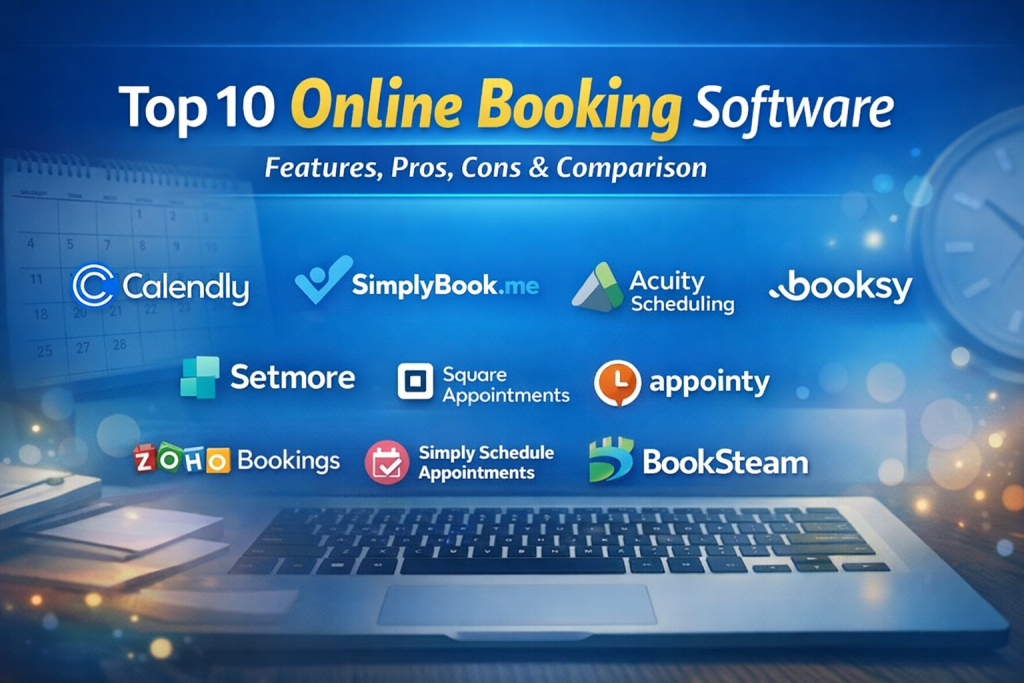
Top 10 Online Booking Software Tools
1 — Calendly
Short description:
Calendly is a widely used scheduling automation tool designed for professionals, teams, and businesses that rely on meetings and appointments.
Key features:
- Automated meeting scheduling
- Calendar synchronization
- Custom booking links
- Automated reminders and notifications
- Team scheduling and round-robin booking
- Payment collection for sessions
Pros:
- Extremely easy to use
- Clean and intuitive interface
- Strong integration ecosystem
Cons:
- Limited customization in lower tiers
- Advanced features require paid plans
Security & compliance:
Supports encryption, SSO (enterprise plans), GDPR compliance.
Support & community:
Strong documentation, responsive support, large global user community.
2 — SimplyBook.me
Short description:
SimplyBook.me is a flexible online booking system built for service-based businesses needing customization and add-ons.
Key features:
- Custom booking website
- Service and provider management
- Automated email and SMS reminders
- Payment processing
- Coupons and promotions
- Client management tools
Pros:
- Highly customizable
- Industry-specific templates
- Good balance of features and pricing
Cons:
- Interface can feel complex initially
- Some advanced features locked behind add-ons
Security & compliance:
GDPR compliant, SSL encryption, HIPAA available on higher plans.
Support & community:
Detailed documentation, onboarding guides, live support.
3 — Acuity Scheduling
Short description:
Acuity Scheduling is built for professionals who need advanced appointment logic and client self-scheduling.
Key features:
- Client self-booking
- Time-zone detection
- Intake forms and questionnaires
- Automated reminders
- Payment acceptance
- Class and group scheduling
Pros:
- Strong customization options
- Excellent client experience
- Good for coaches and consultants
Cons:
- Learning curve for advanced settings
- Branding limitations on basic plans
Security & compliance:
Encryption in transit, GDPR compliant.
Support & community:
Helpful documentation, email-based support, active user base.
4 — Booksy
Short description:
Booksy is a booking and management platform designed primarily for beauty, wellness, and personal care businesses.
Key features:
- Client booking app
- Business management dashboard
- Automated reminders
- Client reviews and profiles
- POS and payment tools
- Marketing features
Pros:
- Industry-focused features
- Strong mobile experience
- Built-in customer marketplace
Cons:
- Limited flexibility outside beauty/wellness
- Monthly pricing may feel high for small shops
Security & compliance:
Standard encryption, GDPR compliance.
Support & community:
In-app support, onboarding assistance, industry-focused resources.
5 — Setmore
Short description:
Setmore is an affordable online booking tool suitable for small businesses and teams.
Key features:
- Online appointment booking
- Team scheduling
- Video meeting integration
- Automated reminders
- Payment acceptance
- Customer database
Pros:
- Generous free plan
- Easy setup
- Good value for small teams
Cons:
- Limited advanced customization
- Reporting features are basic
Security & compliance:
SSL encryption, GDPR compliant.
Support & community:
Email and chat support, solid documentation.
6 — Zoho Bookings
Short description:
Zoho Bookings is part of the Zoho ecosystem, offering scheduling tightly integrated with CRM and business tools.
Key features:
- Staff and resource scheduling
- Calendar sync
- Payment processing
- Custom booking pages
- CRM integration
- Automated notifications
Pros:
- Deep integration with Zoho suite
- Good for growing businesses
- Competitive pricing
Cons:
- Best value only if using Zoho ecosystem
- Interface may feel complex
Security & compliance:
ISO-certified infrastructure, GDPR compliant.
Support & community:
Extensive documentation, enterprise support options, large user community.
7 — Square Appointments
Short description:
Square Appointments combines scheduling with payments and POS for service businesses.
Key features:
- Online booking
- Integrated payments
- POS integration
- Automated reminders
- Staff management
- Client profiles
Pros:
- Seamless payment integration
- Strong free plan for individuals
- Reliable infrastructure
Cons:
- Limited customization
- Best suited for Square users
Security & compliance:
PCI-DSS compliant, encryption standards.
Support & community:
Knowledge base, live support, strong merchant community.
8 — Appointy
Short description:
Appointy is a robust booking platform designed for education, fitness, healthcare, and professional services.
Key features:
- Appointment and class scheduling
- Multi-location support
- Online payments
- Client management
- Automated reminders
- Custom booking widgets
Pros:
- Good for complex scheduling
- Industry-focused features
- Scales well for growing businesses
Cons:
- UI could be more modern
- Some features feel overwhelming initially
Security & compliance:
GDPR compliant, secure data handling.
Support & community:
Documentation, email support, onboarding assistance.
9 — Simply Schedule Appointments
Short description:
A WordPress-focused booking solution ideal for businesses running their website on WordPress.
Key features:
- WordPress-native integration
- Custom booking forms
- Automated notifications
- Payment integration
- Team scheduling
- Custom availability rules
Pros:
- Deep WordPress integration
- Developer-friendly
- Flexible booking logic
Cons:
- Requires WordPress
- Limited outside plugin ecosystem
Security & compliance:
Depends on hosting and WordPress security; GDPR tools available.
Support & community:
Strong documentation, active WordPress community.
10 — BookSteam
Short description:
BookSteam is a comprehensive booking and client management solution for service businesses with multiple staff.
Key features:
- Online booking system
- Staff scheduling
- Customer profiles
- Automated reminders
- Payment support
- Reports and analytics
Pros:
- Feature-rich
- Good for multi-staff businesses
- Competitive pricing
Cons:
- Interface can feel dated
- Limited third-party integrations
Security & compliance:
Standard encryption, GDPR compliance.
Support & community:
Email support, documentation, moderate community size.
Comparison Table
| Tool Name | Best For | Platform(s) Supported | Standout Feature | Rating |
|---|---|---|---|---|
| Calendly | Professionals & teams | Web, Mobile | Automated scheduling links | N/A |
| SimplyBook.me | Service businesses | Web, Mobile | High customization | N/A |
| Acuity Scheduling | Consultants & coaches | Web | Advanced booking logic | N/A |
| Booksy | Beauty & wellness | Web, Mobile | Client marketplace | N/A |
| Setmore | Small businesses | Web, Mobile | Free plan | N/A |
| Zoho Bookings | Growing businesses | Web | Zoho ecosystem integration | N/A |
| Square Appointments | Payment-centric services | Web, Mobile | POS integration | N/A |
| Appointy | Education & fitness | Web | Class scheduling | N/A |
| Simply Schedule Appointments | WordPress users | Web | Native WordPress support | N/A |
| BookSteam | Multi-staff services | Web | Staff scheduling | N/A |
Evaluation & Scoring of Online Booking Software
| Criteria | Weight | Description |
|---|---|---|
| Core features | 25% | Scheduling, payments, reminders, customization |
| Ease of use | 15% | Setup, UI, learning curve |
| Integrations & ecosystem | 15% | Calendars, CRM, payments |
| Security & compliance | 10% | Encryption, standards, data privacy |
| Performance & reliability | 10% | Uptime, speed, scalability |
| Support & community | 10% | Help resources, responsiveness |
| Price / value | 15% | Cost vs features |
Which Online Booking Software Tool Is Right for You?
- Solo users: Look for simplicity, affordability, and ease of setup.
- SMBs: Prioritize customization, reminders, and payment integration.
- Mid-market: Focus on scalability, team scheduling, and reporting.
- Enterprise: Require SSO, compliance, audit logs, and advanced integrations.
Budget-conscious users may prefer tools with free tiers, while premium users benefit from automation and customization. Balance feature depth with usability, and ensure integrations align with your existing tech stack. Security and compliance are critical in regulated industries like healthcare.
Frequently Asked Questions (FAQs)
1. What is online booking software?
It is a tool that allows customers to book services or appointments online automatically.
2. Is online booking software secure?
Most tools use encryption and comply with data protection standards, though levels vary.
3. Can it reduce no-shows?
Yes, automated reminders significantly reduce missed appointments.
4. Is it suitable for small businesses?
Absolutely, many tools are designed specifically for small teams.
5. Does it support payments?
Most platforms support online payments and deposits.
6. Can I customize booking rules?
Yes, availability, buffers, and service durations can usually be customized.
7. Does it integrate with calendars?
Most tools sync with popular calendar platforms.
8. Is training required?
Basic use requires minimal training; advanced features may need onboarding.
9. What are common mistakes when choosing a tool?
Overpaying for unused features or ignoring scalability needs.
10. Are there alternatives to online booking software?
Manual scheduling or custom-built systems exist but lack efficiency.
Conclusion
Online Booking Software has become a critical component of modern service-based businesses. The right tool can improve efficiency, enhance customer experience, and reduce operational overhead. While many solutions offer similar core features, differences in customization, integrations, scalability, and support make each tool suitable for different use cases.
There is no single “best” solution for everyone. The ideal choice depends on your business size, industry, budget, and technical requirements. By carefully evaluating your needs against the features and trade-offs discussed, you can confidently choose an online booking platform that supports long-term growth and customer satisfaction.

Find Trusted Cardiac Hospitals
Compare heart hospitals by city and services — all in one place.
Explore Hospitals
This comparison of online booking software is a very practical resource for businesses looking to streamline reservations and improve customer experience. You’ve effectively highlighted critical features like calendar management, payment processing, automated reminders, and integration with other business tools — all of which are key factors when choosing the right platform. The pros and cons layout makes it easy to evaluate trade-offs between simplicity, customization, and advanced capabilities. For service-based businesses aiming to reduce no-shows, simplify scheduling, and boost conversions, this guide offers clear, actionable insights to support an informed decision.