
Introduction
Family Organization Apps are digital tools designed to help families plan, communicate, and manage daily life together in one shared space. From coordinating calendars and school schedules to managing grocery lists, chores, bills, and reminders, these apps aim to reduce confusion and mental overload—especially in busy households.
In today’s fast-paced world, families often juggle work, school, caregiving, appointments, and personal commitments simultaneously. Important information gets scattered across messages, notes, emails, and memory. Family organization apps solve this by centralizing everything into a single, shared system accessible to all members.
Real-world use cases include:
- Managing shared calendars for school, work, and activities
- Assigning chores and responsibilities to kids and adults
- Tracking shopping lists, meals, and household inventory
- Coordinating co-parenting schedules and caregiving tasks
- Reducing miscommunication and last-minute stress
When choosing a Family Organization App, users should evaluate:
- Ease of use for all age groups
- Shared calendars and task management depth
- Cross-platform availability
- Privacy and data protection
- Customization and scalability for growing families
Best for:
Busy families, dual-income households, parents with school-age children, co-parenting families, caregivers managing elders, and households that value structure, visibility, and shared responsibility.
Not ideal for:
Solo individuals, very small households with minimal coordination needs, or users who prefer standalone tools like simple note or calendar apps without shared collaboration features.
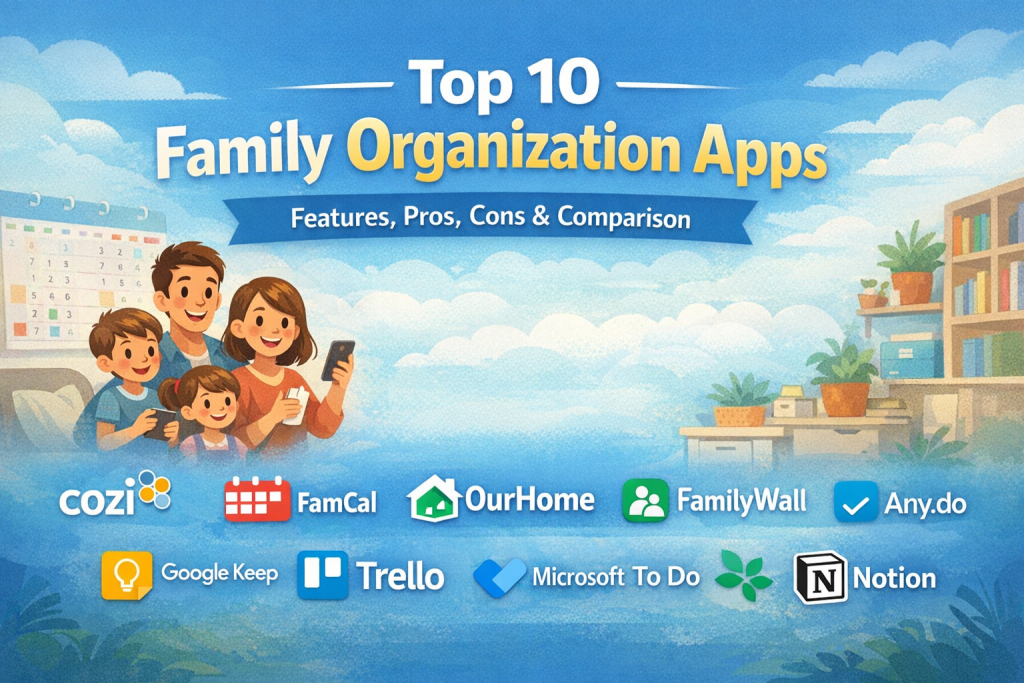
Top 10 Family Organization Apps Tools
1 — Cozi
Short description:
A family-focused organizer combining shared calendars, lists, and reminders in one simple interface. Designed specifically for household coordination.
Key features:
- Shared family calendar with color-coded members
- To-do lists and shopping lists
- Meal planning module
- Appointment and event reminders
- Notes and family messaging
- Cross-device synchronization
Pros:
- Extremely easy to use for all ages
- Purpose-built for families
Cons:
- Limited advanced automation
- Basic customization
Security & compliance:
Varies / N/A
Support & community:
Good documentation, basic customer support, strong mainstream adoption.
2 — FamCal
Short description:
A lightweight shared calendar app focused on schedules, reminders, and task coordination for families.
Key features:
- Shared calendars and events
- To-do lists and reminders
- Birthday and anniversary tracking
- Notes and contacts
- Event notifications
- Multi-device sync
Pros:
- Clean, simple interface
- Fast setup and onboarding
Cons:
- Limited integrations
- Not designed for complex workflows
Security & compliance:
Varies / N/A
Support & community:
Basic documentation, responsive in-app support.
3 — OurHome
Short description:
A task- and chore-focused app that helps families assign responsibilities and motivate kids.
Key features:
- Chore assignment and tracking
- Reward and points system
- Shared lists
- Family calendar
- Custom task rules
- Progress tracking
Pros:
- Excellent for teaching responsibility
- Gamified approach motivates children
Cons:
- UI can feel dated
- Limited analytics
Security & compliance:
Varies / N/A
Support & community:
Moderate documentation, active user base.
4 — FamilyWall
Short description:
A visually rich family hub combining calendars, location sharing, and communication tools.
Key features:
- Shared calendar
- Real-time location sharing
- Messaging and alerts
- Lists and tasks
- Photo sharing
- Emergency notifications
Pros:
- Strong real-time coordination
- Visual and intuitive design
Cons:
- Premium features behind paywall
- Location features may concern privacy-focused users
Security & compliance:
Varies / N/A
Support & community:
Good onboarding, in-app help, active community.
5 — Any.do
Short description:
A versatile task management tool adaptable for family organization and shared planning.
Key features:
- Shared task lists
- Smart reminders
- Calendar integration
- Voice input
- Cross-platform sync
- Daily planning view
Pros:
- Polished, modern UI
- Strong productivity features
Cons:
- Not family-specific by default
- Advanced features require premium
Security & compliance:
Encryption in transit, GDPR-aligned practices
Support & community:
Strong documentation, responsive support.
6 — Google Keep
Short description:
A lightweight shared note and list tool suitable for basic family coordination.
Key features:
- Shared notes and lists
- Color-coded labels
- Voice notes
- Image capture
- Real-time collaboration
Pros:
- Extremely easy to use
- Seamless sync across devices
Cons:
- No advanced scheduling
- Limited structure
Security & compliance:
Encryption, GDPR-aligned
Support & community:
Extensive documentation, global user base.
7 — Trello
Short description:
A visual board-based organizer that families can customize for planning and coordination.
Key features:
- Boards, lists, and cards
- Shared task ownership
- Labels and due dates
- File attachments
- Mobile and desktop access
Pros:
- Highly flexible
- Visual clarity
Cons:
- Requires setup effort
- Not family-specific
Security & compliance:
SSO available, GDPR, SOC-aligned practices
Support & community:
Excellent documentation and large community.
8 — Microsoft To Do
Short description:
A simple shared task manager integrated with Microsoft’s productivity ecosystem.
Key features:
- Shared task lists
- Due dates and reminders
- Daily planning
- Cross-device sync
- Outlook integration
Pros:
- Clean and reliable
- Strong ecosystem support
Cons:
- Limited family-centric features
- Minimal customization
Security & compliance:
Enterprise-grade security, GDPR-aligned
Support & community:
Strong documentation and enterprise backing.
9 — TimeTree
Short description:
A calendar-first app designed for sharing schedules among families and groups.
Key features:
- Shared calendars
- Event comments
- Notifications
- Multiple calendar views
- Cross-platform sync
Pros:
- Excellent for schedule visibility
- Easy for non-technical users
Cons:
- Limited task management
- Few integrations
Security & compliance:
Varies / N/A
Support & community:
Basic support, active usage worldwide.
10 — Notion
Short description:
An all-in-one workspace that advanced families can customize into a full organization system.
Key features:
- Databases and calendars
- Task tracking
- Shared documents
- Templates
- Cross-device collaboration
Pros:
- Extremely powerful and flexible
- Scales with complex needs
Cons:
- Learning curve
- Overkill for simple families
Security & compliance:
Encryption, SSO, GDPR, SOC 2
Support & community:
Extensive documentation, strong global community.
Comparison Table
| Tool Name | Best For | Platform(s) Supported | Standout Feature | Rating |
|---|---|---|---|---|
| Cozi | Busy families | iOS, Android, Web | Family-centric design | N/A |
| FamCal | Simple scheduling | iOS, Android | Shared calendar simplicity | N/A |
| OurHome | Chores & kids | iOS, Android | Gamified chores | N/A |
| FamilyWall | Real-time coordination | iOS, Android, Web | Location sharing | N/A |
| Any.do | Productivity-focused families | iOS, Android, Web | Smart reminders | N/A |
| Google Keep | Lightweight lists | iOS, Android, Web | Instant sharing | N/A |
| Trello | Visual planners | iOS, Android, Web | Boards & cards | N/A |
| Microsoft To Do | Microsoft users | iOS, Android, Web | Outlook integration | N/A |
| TimeTree | Schedule-heavy families | iOS, Android, Web | Calendar-first UX | N/A |
| Notion | Power users | iOS, Android, Web | Custom databases | N/A |
Evaluation & Scoring of Family Organization Apps
| Tool | Core Features (25%) | Ease of Use (15%) | Integrations (15%) | Security (10%) | Performance (10%) | Support (10%) | Price / Value (15%) | Total |
|---|---|---|---|---|---|---|---|---|
| Cozi | 22 | 14 | 8 | 6 | 8 | 7 | 12 | 77 |
| FamCal | 20 | 14 | 7 | 6 | 8 | 7 | 13 | 75 |
| OurHome | 21 | 13 | 7 | 6 | 8 | 7 | 13 | 75 |
| FamilyWall | 22 | 13 | 8 | 6 | 8 | 8 | 11 | 76 |
| Any.do | 21 | 14 | 10 | 8 | 9 | 8 | 12 | 82 |
| Google Keep | 18 | 15 | 8 | 8 | 9 | 9 | 14 | 81 |
| Trello | 22 | 12 | 12 | 8 | 9 | 9 | 12 | 84 |
| Microsoft To Do | 20 | 14 | 10 | 9 | 9 | 9 | 13 | 84 |
| TimeTree | 20 | 14 | 7 | 6 | 8 | 7 | 13 | 75 |
| Notion | 24 | 10 | 14 | 9 | 9 | 9 | 11 | 86 |
Which Family Organization Apps Tool Is Right for You?
- Solo or small families: Cozi, FamCal, TimeTree
- Families with kids: OurHome, FamilyWall
- Productivity-driven households: Any.do, Microsoft To Do
- Visual planners: Trello
- Advanced and tech-savvy families: Notion
- Budget-conscious users: Google Keep, Microsoft To Do
Balance feature depth vs simplicity, consider integration needs, and evaluate privacy comfort levels before choosing.
Frequently Asked Questions (FAQs)
- Are family organization apps secure?
Most use standard encryption, but security depth varies by provider. - Can kids use these apps?
Yes, many are designed for children with simple interfaces. - Do these apps replace calendars?
They usually enhance and centralize shared calendars rather than replace them. - Are free versions enough?
For basic needs, yes. Advanced features often require paid plans. - Can they help co-parenting families?
Yes, shared calendars and task visibility are especially useful. - Do they work offline?
Some features work offline, but syncing requires internet. - Are they suitable for elderly caregivers?
Simple apps like Cozi or FamCal work well. - Can I switch tools later?
Yes, though data migration varies by platform. - Do they integrate with smart devices?
Some integrate with voice assistants and calendars. - What’s the biggest mistake users make?
Choosing overly complex tools for simple needs.
Conclusion
Family Organization Apps play a crucial role in reducing stress, improving communication, and creating clarity in daily life. The right tool helps families stay aligned, share responsibility, and focus more on time together rather than coordination chaos.
There is no single “best” app for everyone. The ideal choice depends on family size, lifestyle complexity, technical comfort, and privacy expectations. Start with your core needs, prioritize ease of adoption, and choose a tool that grows naturally with your family’s routines.

Find Trusted Cardiac Hospitals
Compare heart hospitals by city and services — all in one place.
Explore Hospitals
This article provides a very practical and user‑centered comparison of family organization apps — a category that’s become essential for managing busy schedules, shared tasks, and communication across households. I appreciate how it doesn’t just list features but also highlights real‑world strengths and trade‑offs that matter to families — like ease of use for all ages, cross‑platform syncing, shared calendars, task delegation, and reminders. By laying out pros and cons for tools ranging from simple planners to more robust ecosystems with messaging and location features, this guide helps readers match the right app to their specific family needs, whether they’re coordinating schedules, managing chores, or keeping everyone on the same page.