
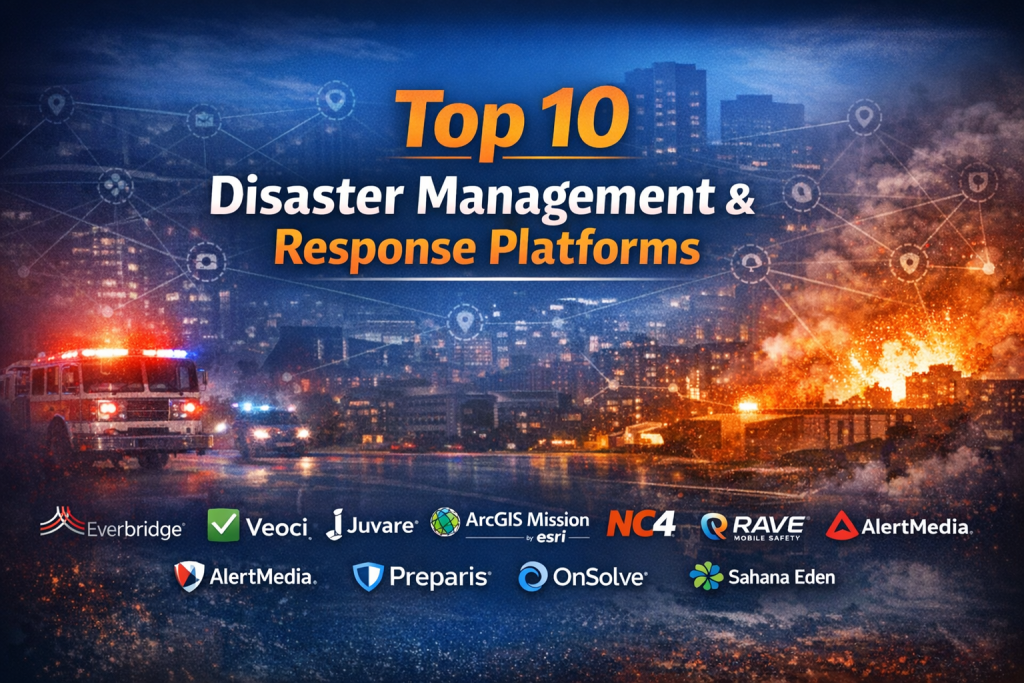
Introduction
Disaster Management & Response Platforms are specialized digital systems designed to prepare for, respond to, manage, and recover from emergencies and disasters. These platforms bring together data, communication, coordination, and decision-making tools into a single operational environment. They are used during natural disasters like floods, earthquakes, hurricanes, and wildfires, as well as human-made crises such as industrial accidents, pandemics, cyber incidents, and large-scale public safety emergencies.
The importance of these platforms has grown significantly as disasters become more frequent, complex, and data-intensive. Governments, humanitarian organizations, enterprises, and emergency responders rely on them to maintain situational awareness, coordinate multi-agency response efforts, allocate resources efficiently, and communicate with both internal teams and the public in real time.
Common real-world use cases include:
- Emergency Operations Center (EOC) coordination
- Incident command and response tracking
- Disaster preparedness planning and drills
- Resource and logistics management
- Public alerts and crisis communications
- Post-disaster recovery and reporting
When evaluating Disaster Management & Response Platforms, users should look for:
- Real-time situational awareness
- Strong collaboration and communication tools
- Integration with GIS, sensors, and external data sources
- Reliability under high-stress conditions
- Security, compliance, and auditability
- Scalability for large, multi-agency operations
Best for:
Government agencies, emergency services, NGOs, humanitarian organizations, utilities, critical infrastructure operators, healthcare systems, and large enterprises with complex risk profiles.
Not ideal for:
Very small teams with basic alerting needs, organizations without defined emergency processes, or use cases where simple notification tools or manual procedures are sufficient.
Top 10 Disaster Management & Response Platforms Tools
1 — Everbridge
Short description:
A leading critical event management platform designed for large enterprises and governments to manage incidents, ensure business continuity, and protect people and assets at scale.
Key features:
- Mass notification and alerting across channels
- Incident command and response workflows
- Risk intelligence and threat monitoring
- Business continuity and resilience planning
- Mobile apps for responders and staff
- Real-time dashboards and analytics
Pros:
- Enterprise-grade scalability and reliability
- Strong automation and orchestration capabilities
Cons:
- Premium pricing
- Can be complex for smaller teams
Security & compliance:
SSO, encryption, audit logs, GDPR, SOC 2 (varies by deployment).
Support & community:
Comprehensive documentation, onboarding programs, dedicated enterprise support.
2 — Veoci
Short description:
A flexible emergency management and incident response platform focused on operational coordination and workflow customization.
Key features:
- Incident and event management
- Task assignment and tracking
- GIS and map-based situational awareness
- Custom workflows and forms
- Multi-agency collaboration tools
Pros:
- Highly configurable
- Strong focus on EOC operations
Cons:
- Interface may feel busy for new users
- Configuration requires planning
Security & compliance:
SSO, encryption, role-based access controls.
Support & community:
Strong customer success team, structured onboarding, responsive support.
3 — Juvare
Short description:
A well-known platform used by public health agencies and emergency management organizations for disaster preparedness and response.
Key features:
- Incident management and reporting
- Resource and logistics tracking
- Public health surveillance integration
- GIS mapping and situational dashboards
- After-action reporting
Pros:
- Trusted in public sector environments
- Strong public health focus
Cons:
- Legacy components in some modules
- User experience varies across features
Security & compliance:
Government-grade security controls, audit logging.
Support & community:
Documentation, training programs, long-standing user community.
4 — ArcGIS Mission
Short description:
A mission coordination tool built on GIS technology, enabling real-time operational awareness and field coordination.
Key features:
- Real-time location tracking
- Map-centric incident coordination
- Field team communication
- Integration with GIS data layers
- Secure mission environments
Pros:
- Best-in-class geospatial capabilities
- Excellent for field-heavy operations
Cons:
- GIS expertise often required
- Less focused on business continuity
Security & compliance:
Encryption, role-based access, enterprise GIS security.
Support & community:
Extensive documentation and global GIS user community.
5 — NC4
Short description:
A risk intelligence and incident management platform emphasizing threat detection and situational awareness.
Key features:
- Global threat monitoring
- Incident alerting and response
- Travel risk and asset protection
- Integrated intelligence feeds
- Collaboration dashboards
Pros:
- Strong intelligence-driven insights
- Useful for global organizations
Cons:
- Less operational workflow depth
- Pricing may be high for small teams
Security & compliance:
SSO, encryption, audit logs.
Support & community:
Professional support and onboarding resources.
#6 — Rave Mobile Safety
Short description:
A widely used emergency notification and public safety communication platform.
Key features:
- Mass notifications and alerts
- Location-based messaging
- Panic button and safety features
- Integration with public safety systems
- Mobile-first design
Pros:
- Easy to deploy and use
- Strong communication reliability
Cons:
- Limited advanced incident workflows
- Less suitable for complex EOC operations
Security & compliance:
Encryption, compliance varies by deployment.
Support & community:
Good documentation, responsive customer support.
#7 — AlertMedia
Short description:
A modern emergency communication platform focused on fast, reliable alerts and employee safety.
Key features:
- Multi-channel emergency alerts
- Threat intelligence feeds
- Employee safety check-ins
- Reporting and analytics
- Mobile-friendly interface
Pros:
- Intuitive user experience
- Rapid deployment
Cons:
- Limited full disaster lifecycle management
- Fewer advanced coordination tools
Security & compliance:
SSO, encryption, SOC 2 (varies).
Support & community:
Strong onboarding, helpful customer support.
#8 — Preparis
Short description:
A business continuity and disaster recovery platform designed for organizational resilience.
Key features:
- Business continuity planning
- Risk assessments and impact analysis
- Incident response workflows
- Exercise and testing tools
- Reporting and compliance tracking
Pros:
- Strong planning and preparedness focus
- Good for regulated industries
Cons:
- Less real-time field response capability
- Interface can feel dated
Security & compliance:
Role-based access, audit logs.
Support & community:
Training resources, enterprise support options.
#9 — OnSolve
Short description:
A critical communications platform focused on alerting, notification, and incident response coordination.
Key features:
- Mass notification
- Incident response workflows
- Situational dashboards
- Integration with IT and security systems
- Reporting and analytics
Pros:
- Reliable communications at scale
- Good integration options
Cons:
- Advanced features require configuration
- Less specialized for humanitarian use
Security & compliance:
SSO, encryption, compliance certifications vary.
Support & community:
Documentation, professional services, enterprise support.
#10 — Sahana Eden
Short description:
An open-source disaster management platform widely used by NGOs and humanitarian organizations.
Key features:
- Incident and needs management
- Volunteer and resource tracking
- GIS mapping
- Modular open-source architecture
- Offline-friendly capabilities
Pros:
- No licensing costs
- Strong humanitarian focus
Cons:
- Requires technical expertise to deploy
- Limited commercial support
Security & compliance:
Varies / N/A (depends on implementation).
Support & community:
Active open-source community, community-driven documentation.
Comparison Table
| Tool Name | Best For | Platform(s) Supported | Standout Feature | Rating |
|---|---|---|---|---|
| Everbridge | Large enterprises & governments | Web, Mobile | Critical event automation | N/A |
| Veoci | EOC operations | Web, Mobile | Custom workflows | N/A |
| Juvare | Public health & emergency mgmt | Web | Public sector focus | N/A |
| ArcGIS Mission | Field-centric response | Web, Mobile | Real-time GIS | N/A |
| NC4 | Global risk monitoring | Web | Intelligence feeds | N/A |
| Rave Mobile Safety | Emergency notifications | Web, Mobile | Reliable alerts | N/A |
| AlertMedia | Employee safety | Web, Mobile | Ease of use | N/A |
| Preparis | Business continuity | Web | Preparedness planning | N/A |
| OnSolve | Critical communications | Web, Mobile | Scalable alerts | N/A |
| Sahana Eden | Humanitarian response | Web | Open-source flexibility | N/A |
Evaluation & Scoring of Disaster Management & Response Platforms
| Criteria | Weight | Description |
|---|---|---|
| Core features | 25% | Incident, coordination, planning, alerts |
| Ease of use | 15% | Learning curve and UI clarity |
| Integrations & ecosystem | 15% | GIS, sensors, third-party systems |
| Security & compliance | 10% | Controls, audits, standards |
| Performance & reliability | 10% | Uptime under crisis |
| Support & community | 10% | Training, help, community |
| Price / value | 15% | Cost vs delivered value |
Which Disaster Management & Response Platforms Tool Is Right for You?
- Solo users / small teams:
Lightweight alerting platforms or open-source solutions may be sufficient. - SMBs and mid-market organizations:
Look for tools balancing ease of use with essential incident workflows. - Enterprises and governments:
Enterprise-grade platforms with scalability, compliance, and advanced coordination are critical. - Budget-conscious buyers:
Open-source or modular platforms reduce licensing costs but require technical effort. - Security-focused organizations:
Prioritize platforms with strong SSO, encryption, audit trails, and certifications.
Frequently Asked Questions (FAQs)
- What is a Disaster Management & Response Platform?
It is software that supports preparedness, response, coordination, and recovery during emergencies. - Are these platforms only for governments?
No, enterprises, NGOs, utilities, and healthcare organizations also use them. - Do all platforms support real-time alerts?
Most do, but depth and channels vary by vendor. - How important is GIS integration?
Very important for situational awareness and field operations. - Are cloud deployments reliable during disasters?
Reputable platforms design for redundancy and high availability. - Can these tools integrate with existing systems?
Yes, though integration depth varies significantly. - Are open-source platforms reliable?
They can be, but require skilled implementation and maintenance. - How long does implementation take?
From days for basic alerting to months for full enterprise deployments. - What are common mistakes when choosing a platform?
Underestimating training needs and overbuying unused features. - Is there a single best platform for everyone?
No, suitability depends on scale, risk profile, and operational needs.
Conclusion
Disaster Management & Response Platforms play a critical role in saving lives, protecting assets, and ensuring coordinated action during emergencies. While the market offers many powerful solutions, no single platform is universally “best.”
The right choice depends on organizational size, risk exposure, operational complexity, budget, and security requirements. By focusing on real-world use cases, integration needs, and long-term resilience goals, organizations can select a platform that truly supports them when it matters most.

Find Trusted Cardiac Hospitals
Compare heart hospitals by city and services — all in one place.
Explore Hospitals
