
Introduction
IT Helpdesk Chatbots are AI-powered virtual assistants designed to handle IT support queries, automate routine tasks, and improve service desk efficiency. These chatbots act as the first line of support for employees or customers, resolving common issues such as password resets, software access requests, system outages, and ticket status updates—often without human intervention.
In today’s digital-first workplaces, IT teams face increasing ticket volumes, remote work challenges, and rising user expectations for instant support. IT helpdesk chatbots help address these challenges by providing 24/7 availability, faster response times, and consistent support experiences. They reduce manual workload for IT staff while ensuring users get quick, accurate assistance.
Common real-world use cases include:
- Automating password resets and account unlocks
- Creating, categorizing, and routing IT tickets
- Answering FAQs related to software, hardware, and policies
- Integrating with ITSM tools to track and update incidents
- Supporting remote and hybrid workforce environments
When choosing an IT Helpdesk Chatbot, organizations should evaluate AI accuracy, ease of use, integrations with existing ITSM tools, security standards, scalability, and total cost of ownership. The right solution should align with both technical requirements and user experience expectations.
Best for:
IT Helpdesk Chatbots are ideal for IT teams, service desk managers, HR & IT operations leaders, SMBs, mid-market companies, and large enterprises across industries such as technology, finance, healthcare, education, and retail—anywhere fast IT support is critical.
Not ideal for:
Very small teams with minimal IT requests, organizations with no digital ticketing systems, or environments requiring exclusively human-driven, highly specialized IT troubleshooting may not gain full value from chatbots.
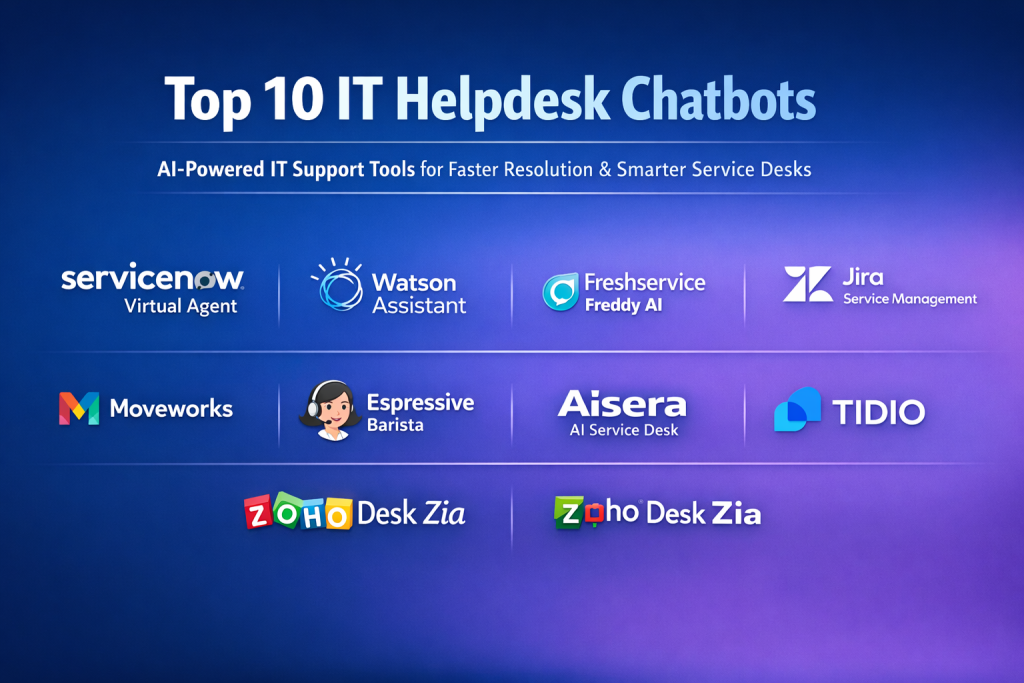
Top 10 IT Helpdesk Chatbots Tools
1 — ServiceNow Virtual Agent
Short description:
An enterprise-grade AI chatbot tightly integrated with ServiceNow ITSM, designed for large organizations needing advanced automation and workflow orchestration.
Key features:
- Deep integration with ServiceNow ITSM and workflows
- Natural language understanding for complex IT queries
- Automated incident creation and resolution
- Knowledge base and guided workflows
- Multi-channel support (web, mobile, collaboration tools)
- Analytics and performance insights
Pros:
- Extremely powerful automation capabilities
- Ideal for complex enterprise IT environments
Cons:
- High cost compared to SMB tools
- Requires ServiceNow ecosystem adoption
Security & compliance:
SSO, encryption, audit logs, SOC 2, ISO standards, GDPR support.
Support & community:
Enterprise-grade support, extensive documentation, strong global user community.
2 — IBM Watson Assistant for IT
Short description:
AI-driven conversational platform leveraging IBM Watson’s NLP capabilities, suited for enterprises needing customizable IT support automation.
Key features:
- Advanced NLP and intent recognition
- Integration with ITSM and enterprise systems
- Context-aware conversations
- Multi-language support
- Custom dialog flows
- Analytics and conversation tuning
Pros:
- Highly customizable AI behavior
- Strong language understanding
Cons:
- Requires technical expertise to configure
- Pricing can scale quickly
Security & compliance:
Encryption, SSO, GDPR, SOC 2, ISO standards.
Support & community:
Robust enterprise support, strong documentation, IBM ecosystem resources.
3 — Freshservice Freddy AI
Short description:
An AI-powered IT helpdesk assistant built into Freshservice, focused on simplicity and fast deployment for SMBs and mid-market teams.
Key features:
- Automated ticket creation and categorization
- Self-service portal with chatbot interface
- Knowledge base suggestions
- Workflow automation
- Multi-channel support
- Easy setup and configuration
Pros:
- User-friendly and quick to deploy
- Strong value for money
Cons:
- Limited advanced customization
- Best results within Freshservice ecosystem
Security & compliance:
SSO, encryption, GDPR, ISO certifications.
Support & community:
Good onboarding resources, responsive support, active user community.
4 — Zendesk Answer Bot
Short description:
A chatbot designed to deflect tickets by answering common IT queries using existing knowledge base content.
Key features:
- AI-driven knowledge article suggestions
- Ticket deflection automation
- Multi-channel deployment
- Continuous learning from interactions
- Seamless Zendesk integration
Pros:
- Reduces ticket volume effectively
- Easy to configure
Cons:
- Limited outside Zendesk
- Less suited for complex workflows
Security & compliance:
SSO, encryption, GDPR, SOC 2.
Support & community:
Strong documentation, large Zendesk user base, enterprise support options.
5 — Jira Service Management Virtual Agent
Short description:
An IT helpdesk chatbot integrated with Jira Service Management, ideal for DevOps-focused teams.
Key features:
- Native Jira ticket creation and updates
- Slack and collaboration tool integration
- Automated request handling
- Knowledge base access
- Custom workflows
Pros:
- Perfect for Atlassian-centric environments
- Strong DevOps alignment
Cons:
- Limited AI sophistication compared to enterprise tools
- Best used with Jira ecosystem
Security & compliance:
SSO, encryption, GDPR, ISO standards.
Support & community:
Extensive Atlassian community, strong documentation.
6 — Moveworks
Short description:
An AI-first IT support chatbot designed for large enterprises with complex internal systems.
Key features:
- Advanced NLP and contextual understanding
- End-to-end issue resolution
- Integration with enterprise applications
- Proactive issue detection
- Multi-language and multi-channel support
Pros:
- Extremely high automation rates
- Enterprise-grade AI accuracy
Cons:
- Premium pricing
- Longer implementation cycle
Security & compliance:
SOC 2, ISO, GDPR, encryption, audit trails.
Support & community:
Dedicated enterprise support, onboarding specialists.
7 — Espressive Barista
Short description:
A virtual IT assistant focused on employee self-service and unified support experiences.
Key features:
- Natural language queries
- Knowledge management integration
- Multi-department support (IT, HR)
- Self-learning AI
- Analytics dashboard
Pros:
- Strong employee experience focus
- Cross-department usability
Cons:
- Less customizable workflows
- Primarily enterprise-focused
Security & compliance:
SSO, encryption, GDPR, SOC 2.
Support & community:
Enterprise onboarding, guided implementation support.
8 — Aisera AI Service Desk
Short description:
An AI-driven service desk chatbot combining ITSM automation with machine learning insights.
Key features:
- Autonomous ticket resolution
- Knowledge-based responses
- Integration with ITSM tools
- Predictive issue detection
- Analytics and reporting
Pros:
- Strong AI automation
- Reduces manual ticket handling
Cons:
- Configuration complexity
- Higher cost for smaller teams
Security & compliance:
SOC 2, ISO, GDPR, HIPAA-ready.
Support & community:
Enterprise-level support, growing community.
9 — Tidio IT Chatbot
Short description:
A lightweight chatbot solution suitable for small IT teams and startups needing basic automation.
Key features:
- Prebuilt chatbot templates
- Live chat fallback
- Basic automation workflows
- Easy setup
- Multi-channel messaging
Pros:
- Affordable and simple
- Minimal setup required
Cons:
- Limited enterprise features
- Basic AI capabilities
Security & compliance:
Encryption, GDPR (varies by plan).
Support & community:
Basic documentation, email support, small user community.
10 — Zoho Desk Zia
Short description:
An AI assistant embedded in Zoho Desk, providing automation and analytics for IT support teams.
Key features:
- AI-powered ticket classification
- Knowledge base recommendations
- Sentiment analysis
- Multi-channel support
- Integration with Zoho ecosystem
Pros:
- Cost-effective
- Strong analytics
Cons:
- Best within Zoho ecosystem
- Limited advanced NLP
Security & compliance:
SSO, encryption, GDPR, ISO standards.
Support & community:
Strong documentation, global user base.
Comparison Table
| Tool Name | Best For | Platform(s) Supported | Standout Feature | Rating |
|---|---|---|---|---|
| ServiceNow Virtual Agent | Large enterprises | Web, mobile, ITSM | Deep workflow automation | N/A |
| IBM Watson Assistant | Enterprises | Web, mobile, custom | Advanced NLP | N/A |
| Freshservice Freddy | SMB & mid-market | Web, mobile | Fast deployment | N/A |
| Zendesk Answer Bot | Support-heavy teams | Web, messaging apps | Ticket deflection | N/A |
| Jira Service Management VA | DevOps teams | Web, Slack | Jira-native automation | N/A |
| Moveworks | Global enterprises | Multi-channel | High AI accuracy | N/A |
| Espressive Barista | Employee self-service | Web, mobile | Unified support | N/A |
| Aisera | AI-first IT teams | Web, ITSM | Autonomous resolution | N/A |
| Tidio | Small teams | Web, chat apps | Simplicity | N/A |
| Zoho Desk Zia | Budget-conscious teams | Web, mobile | Analytics-driven AI | N/A |
Evaluation & Scoring of IT Helpdesk Chatbots
| Criteria | Weight | Description |
|---|---|---|
| Core features | 25% | Ticket handling, automation, AI quality |
| Ease of use | 15% | Setup, UI, learning curve |
| Integrations & ecosystem | 15% | ITSM, collaboration tools |
| Security & compliance | 10% | SSO, encryption, standards |
| Performance & reliability | 10% | Accuracy, uptime |
| Support & community | 10% | Documentation, support |
| Price / value | 15% | ROI and scalability |
Which IT Helpdesk Chatbots Tool Is Right for You?
- Solo users / small teams: Lightweight tools with simple automation and low cost
- SMBs: Balanced solutions with strong ITSM integration and ease of use
- Mid-market: Scalable tools with workflow automation and analytics
- Enterprises: AI-first platforms with deep integrations and compliance
Choose budget-friendly options for basic needs and premium solutions for complex, high-volume environments. Always balance feature depth vs usability, ensure integration compatibility, and prioritize security requirements.
Frequently Asked Questions (FAQs)
- What is an IT helpdesk chatbot?
An AI-powered assistant that automates IT support tasks and answers user queries. - Can chatbots replace human IT staff?
No, they augment teams by handling repetitive tasks. - Are IT chatbots secure?
Most enterprise tools follow strict security and compliance standards. - How long does implementation take?
From a few days to several weeks depending on complexity. - Do they support multiple languages?
Many enterprise solutions do. - Are they expensive?
Costs vary widely based on features and scale. - Do they integrate with existing ITSM tools?
Yes, most leading tools do. - Can they handle HR queries too?
Some platforms support multi-department use. - What are common implementation mistakes?
Poor knowledge base setup and unclear workflows. - How do you measure success?
Ticket deflection rate, resolution time, user satisfaction.
Conclusion
IT Helpdesk Chatbots have become essential tools for modern IT operations, improving efficiency, reducing costs, and enhancing user experience. The most important factors when choosing a solution are AI accuracy, integrations, scalability, and security.
There is no single “best” chatbot for everyone. The right choice depends on organization size, budget, technical complexity, and long-term goals. By aligning these factors with the tool’s strengths, teams can unlock real, measurable value from IT helpdesk automation.

Find Trusted Cardiac Hospitals
Compare heart hospitals by city and services — all in one place.
Explore Hospitals
