
Introduction
Mobile Workforce Apps are digital platforms designed to help organizations manage employees who work outside traditional office environments. These tools enable field staff, remote teams, technicians, sales representatives, and on-the-go professionals to stay connected, productive, and compliant—no matter where they are working from. At their core, mobile workforce apps combine scheduling, task management, communication, location tracking, reporting, and workforce analytics into a single, mobile-first experience.
In today’s business landscape, mobile and hybrid work models are no longer optional. Industries such as field services, logistics, healthcare, construction, utilities, retail operations, and sales rely heavily on distributed teams. Without the right tools, organizations face challenges like missed appointments, poor visibility into field operations, delayed reporting, compliance risks, and frustrated employees.
When choosing a Mobile Workforce App, buyers should evaluate usability, offline access, real-time communication, integration with existing systems, security controls, and scalability. The ideal solution should simplify operations, improve accountability, and enhance both employee and customer experiences—without adding unnecessary complexity.
Best for:
Mobile Workforce Apps are ideal for field technicians, sales teams, service managers, operations leaders, HR teams, logistics coordinators, healthcare providers, utilities, construction firms, and growing SMBs to large enterprises that rely on distributed or remote employees.
Not ideal for:
These tools may be unnecessary for fully office-based teams, very small teams with minimal coordination needs, or organizations with static workflows where traditional task or project management tools are sufficient.
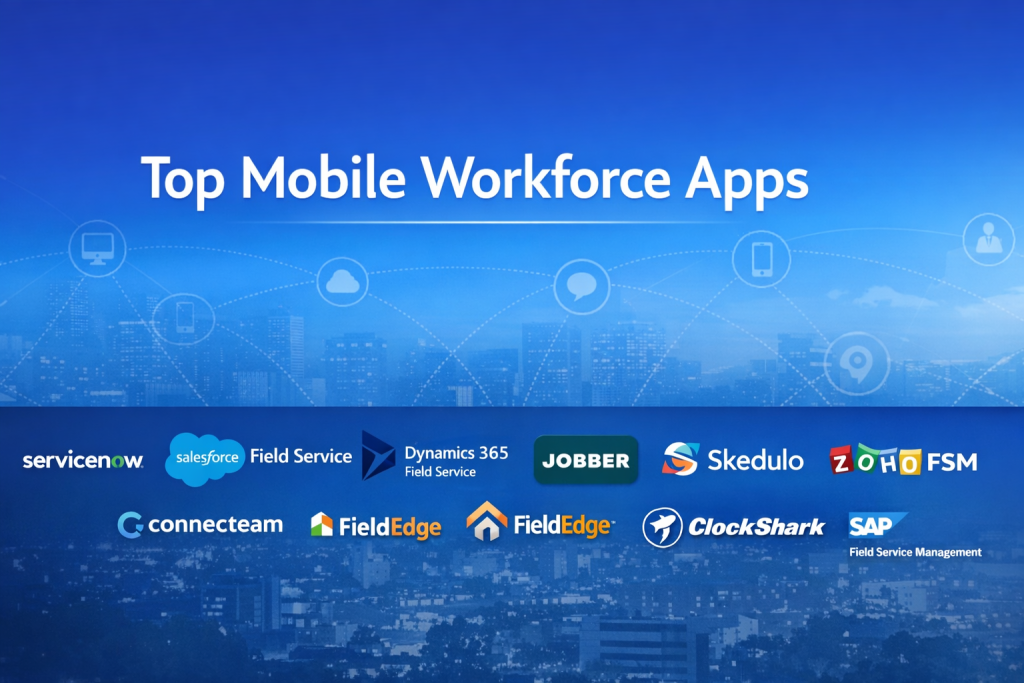
Top 10 Mobile Workforce Apps Tools
1 — ServiceNow
Short description:
A powerful enterprise-grade platform designed to manage complex field service and mobile workforce operations at scale, especially for large organizations.
Key features
- Advanced field service management
- Intelligent scheduling and dispatch
- Mobile technician apps
- Workflow automation
- Asset and incident tracking
- Real-time dashboards and analytics
Pros
- Highly scalable for large enterprises
- Deep workflow customization
Cons
- Steep learning curve
- Higher total cost of ownership
Security & compliance
SSO, role-based access, encryption, audit logs, SOC 2, ISO, GDPR support
Support & community
Extensive documentation, enterprise onboarding, premium support plans, strong global partner ecosystem
2 — Salesforce Field Service
Short description:
A mobile workforce solution built on the Salesforce platform, optimized for service teams, technicians, and customer-facing operations.
Key features
- Smart scheduling and optimization
- Mobile worker apps
- Work order management
- Real-time location tracking
- Customer communication tools
- Deep CRM integration
Pros
- Seamless Salesforce ecosystem integration
- Strong customer experience features
Cons
- Requires Salesforce expertise
- Can become expensive with add-ons
Security & compliance
Enterprise-grade security, encryption, SSO, GDPR, SOC 2
Support & community
Large global community, detailed documentation, enterprise support availability
3 — Microsoft Dynamics 365 Field Service
Short description:
A robust mobile workforce solution tightly integrated with Microsoft’s business and productivity ecosystem.
Key features
- Work order and asset management
- AI-driven scheduling
- Mobile technician app
- IoT-enabled monitoring
- Offline capabilities
- Power BI analytics
Pros
- Excellent Microsoft ecosystem integration
- Strong analytics and reporting
Cons
- Complex configuration
- Best suited for Microsoft-centric organizations
Security & compliance
Azure security, SSO, encryption, ISO, SOC, GDPR
Support & community
Strong enterprise documentation, Microsoft partner network, professional support options
4 — Jobber
Short description:
A user-friendly mobile workforce app designed for small to mid-sized service businesses.
Key features
- Job scheduling and dispatch
- Mobile invoicing
- Client communication
- Time tracking
- Quote and payment management
Pros
- Very easy to use
- Ideal for small teams
Cons
- Limited enterprise scalability
- Fewer advanced automation options
Security & compliance
Standard encryption, role-based access, GDPR-aligned practices
Support & community
Good onboarding resources, responsive customer support, active SMB user base
5 — Skedulo
Short description:
A modern mobile workforce scheduling and engagement platform focused on deskless and on-demand workers.
Key features
- Intelligent scheduling
- Mobile worker engagement tools
- Availability and shift management
- Real-time notifications
- Analytics and insights
Pros
- Excellent for deskless workforce
- Strong mobile-first design
Cons
- Limited broader ERP features
- Pricing may not suit very small teams
Security & compliance
SSO, encryption, GDPR compliance, audit logs
Support & community
Quality documentation, onboarding assistance, growing enterprise adoption
6 — Zoho FSM
Short description:
A cost-effective mobile workforce solution tailored for growing businesses within the Zoho ecosystem.
Key features
- Work order management
- Mobile technician app
- Inventory tracking
- Customer communication
- Billing and invoicing
Pros
- Affordable pricing
- Strong integration with Zoho apps
Cons
- Limited advanced analytics
- Best within Zoho ecosystem
Security & compliance
Encryption, role-based access, GDPR-aligned standards
Support & community
Extensive documentation, responsive support, active Zoho community
7 — Connecteam
Short description:
An all-in-one workforce management app for non-desk and mobile employees.
Key features
- Time tracking with GPS
- Task and checklist management
- Internal communication
- Employee scheduling
- Training and onboarding modules
Pros
- Very intuitive interface
- Affordable for SMBs
Cons
- Limited enterprise customization
- Not designed for complex field service workflows
Security & compliance
SSO options, data encryption, GDPR compliance
Support & community
Good onboarding materials, fast customer support, strong SMB adoption
8 — FieldEdge
Short description:
A field service-focused mobile workforce app for service contractors and technicians.
Key features
- Dispatch and routing
- Technician mobile access
- Customer history tracking
- Invoicing and payments
- Performance reporting
Pros
- Built specifically for field service teams
- Strong technician usability
Cons
- Less flexible outside field service use cases
- UI may feel dated
Security & compliance
Standard security practices, encryption, access controls
Support & community
Industry-specific support, documentation, onboarding assistance
9 — ClockShark
Short description:
A mobile workforce app focused on GPS time tracking and job costing for field teams.
Key features
- GPS time tracking
- Job and task tracking
- Timesheets and approvals
- Reporting and exports
- Payroll integrations
Pros
- Simple and accurate time tracking
- Easy implementation
Cons
- Limited broader workforce management
- Not a full FSM solution
Security & compliance
Encryption, access controls, GDPR-aligned practices
Support & community
Clear documentation, responsive support, niche user base
10 — SAP Field Service Management
Short description:
An enterprise-grade mobile workforce platform designed for large, asset-intensive organizations.
Key features
- Advanced scheduling and dispatch
- Asset and maintenance management
- Mobile workforce apps
- Real-time analytics
- Integration with SAP ERP
Pros
- Extremely powerful and scalable
- Ideal for complex operations
Cons
- High implementation effort
- Significant training required
Security & compliance
Enterprise security, SSO, encryption, ISO, SOC, GDPR
Support & community
Global SAP support network, extensive documentation, certified partners
Comparison Table
| Tool Name | Best For | Platform(s) Supported | Standout Feature | Rating |
|---|---|---|---|---|
| ServiceNow | Large enterprises | Web, iOS, Android | Workflow automation | N/A |
| Salesforce Field Service | CRM-driven service teams | Web, iOS, Android | CRM-native field service | N/A |
| Microsoft Dynamics 365 FS | Microsoft-centric orgs | Web, iOS, Android | Power BI analytics | N/A |
| Jobber | Small service businesses | Web, iOS, Android | Ease of use | N/A |
| Skedulo | Deskless workforce | Web, iOS, Android | Intelligent scheduling | N/A |
| Zoho FSM | Growing SMBs | Web, iOS, Android | Cost efficiency | N/A |
| Connecteam | Non-desk employees | Web, iOS, Android | All-in-one workforce app | N/A |
| FieldEdge | Field technicians | Web, iOS, Android | Technician-first design | N/A |
| ClockShark | Time tracking needs | Web, iOS, Android | GPS time tracking | N/A |
| SAP FSM | Large enterprises | Web, iOS, Android | ERP-grade scalability | N/A |
Evaluation & Scoring of Mobile Workforce Apps
| Criteria | Weight | Description |
|---|---|---|
| Core features | 25% | Scheduling, task management, mobile access |
| Ease of use | 15% | UI clarity, onboarding speed |
| Integrations & ecosystem | 15% | CRM, ERP, payroll, APIs |
| Security & compliance | 10% | Encryption, SSO, compliance standards |
| Performance & reliability | 10% | Stability, offline support |
| Support & community | 10% | Documentation, customer support |
| Price / value | 15% | ROI, scalability, cost balance |
Which Mobile Workforce Apps Tool Is Right for You?
- Solo users & small teams: Simple, affordable tools like Jobber or ClockShark
- SMBs: Zoho FSM, Connecteam, FieldEdge
- Mid-market: Skedulo, Salesforce Field Service
- Enterprise: ServiceNow, SAP FSM, Microsoft Dynamics 365
Budget-conscious teams should prioritize usability and pricing, while enterprise buyers should focus on scalability, integrations, and compliance. Balance feature depth vs simplicity based on workforce complexity.
Frequently Asked Questions (FAQs)
1. What is a mobile workforce app?
A platform that helps manage employees working outside the office using mobile devices.
2. Do these apps work offline?
Many offer offline modes with data syncing when connectivity returns.
3. Are mobile workforce apps secure?
Most include encryption, access controls, and compliance features.
4. Are they suitable for small businesses?
Yes, several tools are designed specifically for SMBs.
5. Can these tools track employee location?
Some offer GPS tracking with configurable privacy controls.
6. How long does implementation take?
Ranges from a few days for SMB tools to months for enterprise systems.
7. Do they integrate with payroll systems?
Many support payroll and accounting integrations.
8. Are mobile workforce apps customizable?
Enterprise platforms offer deep customization; SMB tools offer limited options.
9. What are common mistakes when choosing a tool?
Overbuying features or ignoring ease of use.
10. Can these tools scale as businesses grow?
Yes, scalability varies—choose based on long-term needs.
Conclusion
Mobile Workforce Apps have become essential for managing distributed, remote, and field-based teams efficiently. The right tool improves visibility, accountability, productivity, and employee satisfaction while reducing operational friction.
There is no single “best” solution for everyone. The ideal choice depends on team size, industry, workflow complexity, budget, and compliance requirements. By carefully evaluating your needs and aligning them with the strengths of each platform, you can select a mobile workforce app that truly supports your organization’s growth and operational excellence.

Find Trusted Cardiac Hospitals
Compare heart hospitals by city and services — all in one place.
Explore Hospitals