
Introduction
Scheduling Assistants are intelligent software tools designed to automate, optimize, and simplify the process of booking meetings, managing calendars, and coordinating availability across individuals and teams. Instead of endless back-and-forth emails, these tools enable users to share availability, respect time zones, avoid conflicts, and even prioritize deep work automatically.
In today’s fast-paced, remote-friendly work environment, scheduling has become a hidden productivity bottleneck. Missed meetings, double bookings, and poorly timed calls directly impact focus, collaboration, and customer experience. Scheduling Assistants solve this by acting as a smart layer between people and their calendars—ensuring meetings happen at the right time, with the right people, and minimal friction.
Common real-world use cases include:
- Booking sales demos and customer calls
- Managing executive calendars
- Coordinating interviews and hiring panels
- Aligning distributed teams across time zones
- Automating recurring or priority-based meetings
When choosing a Scheduling Assistant, buyers should evaluate ease of use, calendar integrations, automation depth, security standards, scalability, and pricing flexibility. The best tool is not always the most powerful—but the one that best aligns with how your team actually works.
Best for:
Scheduling Assistants are ideal for professionals, SMBs, startups, remote teams, sales organizations, recruiters, consultants, healthcare providers, and enterprises that rely heavily on meetings and time coordination.
Not ideal for:
They may be unnecessary for individuals with minimal meeting needs, teams that rely entirely on fixed schedules, or environments where calendar usage is restricted or highly manual.
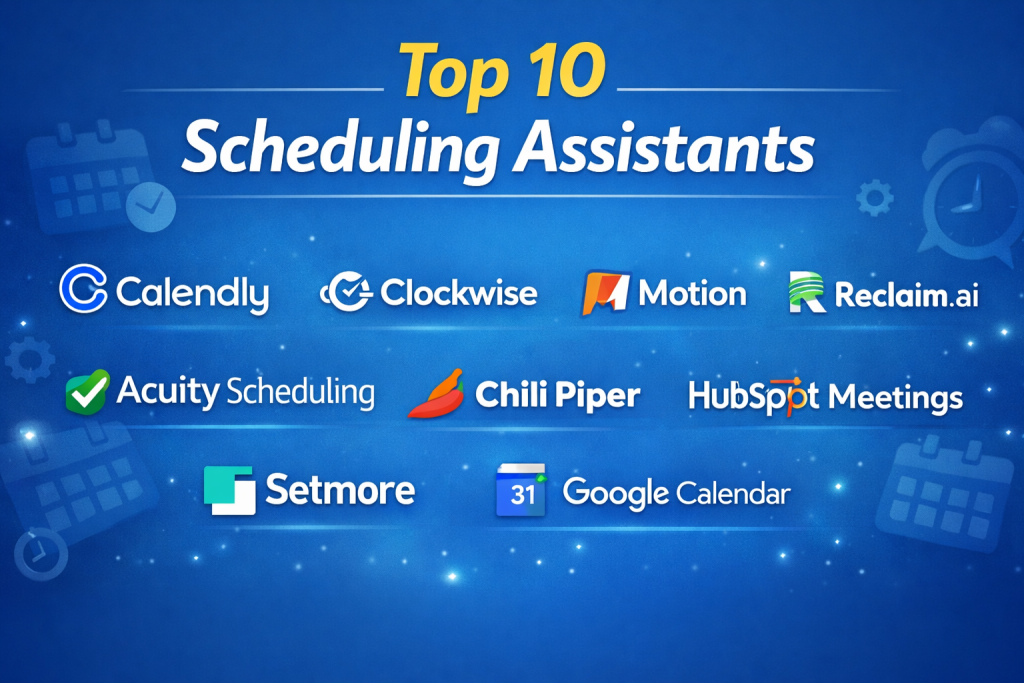
Top 10 Scheduling Assistants Tools
1 — Calendly
Short description:
A widely used scheduling assistant that lets users share availability and book meetings effortlessly. Designed for individuals, sales teams, and enterprises alike.
Key features:
- Automated availability detection
- Time-zone intelligent scheduling
- Calendar sync with major providers
- Custom booking rules and buffers
- Team scheduling and round-robin meetings
- Workflow automation and reminders
Pros:
- Extremely easy to use
- Works well for both solo users and teams
Cons:
- Advanced features require paid tiers
- Limited AI-based optimization
Security & compliance:
SSO, data encryption, GDPR compliance, SOC 2 (varies by plan)
Support & community:
Strong documentation, large user base, enterprise support available
2 — Clockwise
Short description:
An AI-powered scheduling assistant focused on optimizing calendars for focus time and team productivity.
Key features:
- Automatic meeting rescheduling
- Focus time protection
- Team-wide calendar optimization
- Slack and calendar integrations
- Flexible meeting preferences
Pros:
- Excellent for engineering and product teams
- Improves deep-work efficiency
Cons:
- Less suitable for external bookings
- Learning curve for new users
Security & compliance:
Encryption at rest and in transit, SOC 2 Type II
Support & community:
Helpful onboarding guides, responsive support
3 — Motion
Short description:
An AI-driven scheduler that automatically plans tasks and meetings into a single, optimized calendar.
Key features:
- AI task prioritization
- Automatic calendar blocking
- Deadline-aware scheduling
- Meeting and task unification
- Real-time re-planning
Pros:
- Strong AI automation
- Ideal for high-output professionals
Cons:
- Premium pricing
- Can feel opinionated in workflow
Security & compliance:
Encryption, GDPR-aligned practices
Support & community:
Growing community, solid knowledge base
4 — Reclaim.ai
Short description:
A smart scheduling assistant that balances meetings, habits, and tasks automatically.
Key features:
- Adaptive scheduling for tasks
- Habit and routine protection
- Team scheduling intelligence
- Calendar conflict resolution
- Analytics on time usage
Pros:
- Excellent work-life balance features
- Highly customizable
Cons:
- Interface may feel busy
- Advanced setup required
Security & compliance:
SOC 2, GDPR, encrypted data handling
Support & community:
Good documentation, active user community
5 — Doodle
Short description:
A simple scheduling tool focused on polls and group availability coordination.
Key features:
- Group scheduling polls
- 1:1 booking pages
- Calendar integrations
- Time-zone handling
- Deadline-based voting
Pros:
- Excellent for group decisions
- Very simple to use
Cons:
- Limited automation
- Not ideal for complex workflows
Security & compliance:
GDPR compliant, standard encryption
Support & community:
Basic support, clear documentation
6 — Acuity Scheduling
Short description:
A robust appointment scheduling platform tailored for service-based businesses.
Key features:
- Client self-scheduling
- Payment and invoicing support
- Custom intake forms
- Automated reminders
- Multi-location scheduling
Pros:
- Great for service professionals
- Strong customization
Cons:
- Less suitable for internal team scheduling
- UI feels dated to some users
Security & compliance:
Encryption, HIPAA options on higher plans
Support & community:
Reliable customer support, detailed guides
7 — Chili Piper
Short description:
A scheduling assistant built specifically for revenue and sales teams.
Key features:
- Instant lead routing
- CRM-native scheduling
- Round-robin logic
- Revenue attribution tracking
- Advanced workflows
Pros:
- Excellent for inbound sales
- Deep CRM integrations
Cons:
- Expensive for small teams
- Sales-focused only
Security & compliance:
SOC 2, GDPR, SSO support
Support & community:
Enterprise-grade onboarding and support
8 — HubSpot Meetings
Short description:
A free scheduling tool embedded within the HubSpot CRM ecosystem.
Key features:
- CRM-linked meeting booking
- Automatic contact creation
- Calendar syncing
- Team scheduling options
- Email automation
Pros:
- Free and easy to start
- Ideal for HubSpot users
Cons:
- Limited standalone features
- Best value only within HubSpot
Security & compliance:
SOC 2, GDPR, ISO-aligned practices
Support & community:
Strong documentation, large CRM community
9 — Setmore
Short description:
An affordable scheduling assistant for small businesses and solopreneurs.
Key features:
- Appointment booking pages
- Staff scheduling
- Video meeting support
- Automated notifications
- Mobile app access
Pros:
- Budget-friendly
- Simple setup
Cons:
- Limited advanced automation
- Basic reporting
Security & compliance:
Standard encryption, GDPR-aligned
Support & community:
Email and chat support, small community
10 — Google Calendar Appointment Scheduling
Short description:
Native appointment scheduling built directly into Google Calendar.
Key features:
- Direct calendar booking links
- Google ecosystem integration
- Time-zone support
- Automated reminders
- Minimal setup
Pros:
- Seamless for Google users
- No extra tool required
Cons:
- Limited customization
- Basic automation
Security & compliance:
Google-grade security, GDPR, ISO certifications
Support & community:
Extensive documentation, global user base
Comparison Table
| Tool Name | Best For | Platform(s) Supported | Standout Feature | Rating |
|---|---|---|---|---|
| Calendly | Universal scheduling | Web, Mobile | Simplicity & adoption | N/A |
| Clockwise | Focus-driven teams | Web | AI focus optimization | N/A |
| Motion | Task-heavy professionals | Web | AI auto-planning | N/A |
| Reclaim.ai | Work-life balance | Web | Habit scheduling | N/A |
| Doodle | Group decisions | Web | Poll-based scheduling | N/A |
| Acuity Scheduling | Service businesses | Web, Mobile | Client bookings + payments | N/A |
| Chili Piper | Sales teams | Web | Lead-to-meeting routing | N/A |
| HubSpot Meetings | CRM users | Web | CRM-native scheduling | N/A |
| Setmore | Small businesses | Web, Mobile | Affordable scheduling | N/A |
| Google Calendar Scheduling | Google users | Web, Mobile | Native integration | N/A |
Evaluation & Scoring of Scheduling Assistants
| Criteria | Weight | Description |
|---|---|---|
| Core features | 25% | Booking, automation, flexibility |
| Ease of use | 15% | UI, onboarding, learning curve |
| Integrations & ecosystem | 15% | Calendar, CRM, tools |
| Security & compliance | 10% | Data protection standards |
| Performance & reliability | 10% | Uptime, sync accuracy |
| Support & community | 10% | Docs, help, enterprise support |
| Price / value | 15% | ROI and affordability |
Which Scheduling Assistants Tool Is Right for You?
- Solo users: Calendly, Google Calendar Scheduling
- SMBs: Setmore, Acuity Scheduling, Reclaim.ai
- Mid-market teams: Clockwise, Motion
- Enterprise & sales-led orgs: Chili Piper, HubSpot Meetings
Budget-conscious users should prioritize ease of use and core scheduling, while premium buyers may benefit from AI optimization and deep integrations. Security-sensitive industries should focus on SOC 2, GDPR, and SSO availability.
Frequently Asked Questions (FAQs)
1. Are Scheduling Assistants only for businesses?
No. Individuals, freelancers, and consultants also benefit greatly.
2. Do these tools replace calendar apps?
They enhance calendars rather than replace them.
3. Are AI-based schedulers better?
They help with optimization but may not suit everyone.
4. Can they handle time zones automatically?
Most modern tools do this very well.
5. Are free plans sufficient?
For basic needs, yes. Teams often need paid tiers.
6. How secure are Scheduling Assistants?
Security varies by provider; enterprise tools offer stronger controls.
7. Do they integrate with CRMs?
Many do, especially sales-focused tools.
8. Can they reduce meeting overload?
Yes, especially AI-driven options.
9. Are they hard to implement?
Most are quick to set up within minutes.
10. What is the most common mistake?
Over-automating without clear scheduling rules.
Conclusion
Scheduling Assistants have become essential productivity tools for modern work. They reduce friction, save time, and help teams focus on what truly matters. While some excel at simplicity and adoption, others shine in AI-driven optimization or sales workflows.
The most important takeaway is that there is no universal “best” Scheduling Assistant. The right choice depends on your role, team size, workflow complexity, and security requirements. Choose the tool that fits your reality—not just the one with the longest feature list.

Find Trusted Cardiac Hospitals
Compare heart hospitals by city and services — all in one place.
Explore Hospitals