
Step: 1– Install Laravel 5.8 Application
Step: 2– Create Controller
Step: 3– Create View Blade File
Step: 4– Set Route of Controller Method
Step: 5– Run Laravel Application
Step:1 composer create-project --prefer-dist laravel/laravel upload_image
Create Controller now we need to create a controller for handle Http request for multiple images
Step:2 php artisan make:controller MultipleUploadController
Step:3 MultipleUploadController.php
Step:3 Create View Blade File For display output in browser, In Laravel we need to use View file
Step:4 Set Route of Controller Method now we have to set route for the controller method. For this, we have to open routes/web.php file and write the following code for a set route.
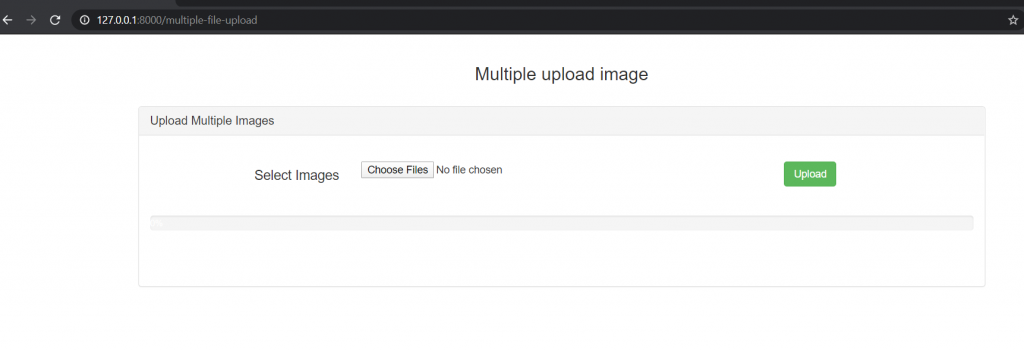
Step:5 Run Laravel Application php artisan serve or click this url http://127.0.0.1:8000/multiple-file-upload

MotoShare.in is your go-to platform for adventure and exploration. Rent premium bikes for epic journeys or simple scooters for your daily errands—all with the MotoShare.in advantage of affordability and ease.
Find Trusted Cardiac Hospitals
Compare heart hospitals by city and services — all in one place.
Explore Hospitals