
Media Query:
A media query is a CSS technique introduced in CSS. A media query consists of the optional media type and zero or more expressions that limit the style sheet’s scope by using media features, such as width, height, and color.
Syntax:
@media not only mediatype and (expressions / media features) { CSS; }Code language: CSS (css)Example:
@media screen and (min-width:480px){
body{
background-color: lightgreen;}
}Code language: CSS (css)
Use can also use these methods:
all – Used all media type devices
print – Used for printers
screen – Used for computer screen, tablets, smart-phones, etc.
speech – Used for screenreaders that “reads” the page out loud
If you use the not only operators, you must an explicit media type.
By using Logical Operators:
And:
- @media (min-width: 800px){ CSS }
- @media (min-width: 800px) and (orientation: landscape) { CSS }
- @media screen and (min-width: 800px) and (orientation: landscape) { CSS }
OR (Comma ,):
- @media (min-width: 800px), (orientation: landscape) { CSS }
Not:
- @media not all and (min-width: 800px) { CSS }
- @media not (all and (min-width: 800px)) { CSS }
- @media not screen and (color), print and (color) { CSS }
- @media (not (screen and (color))), print and (color) { CSS }
Here is the example code, you can create a html file:
When using this CSS Code:
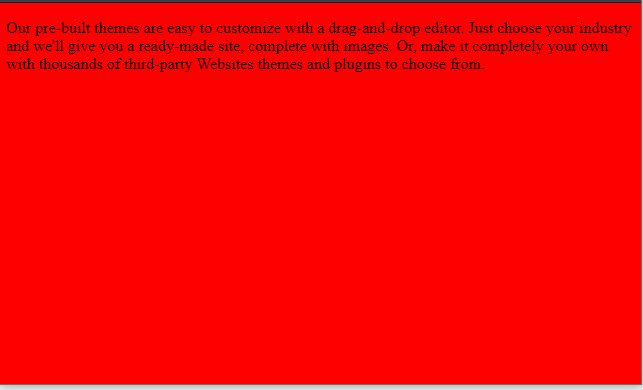
    body { background-color: pink;}
    @media screen and (min-width: 600px)
    { body { background-color: red; } }

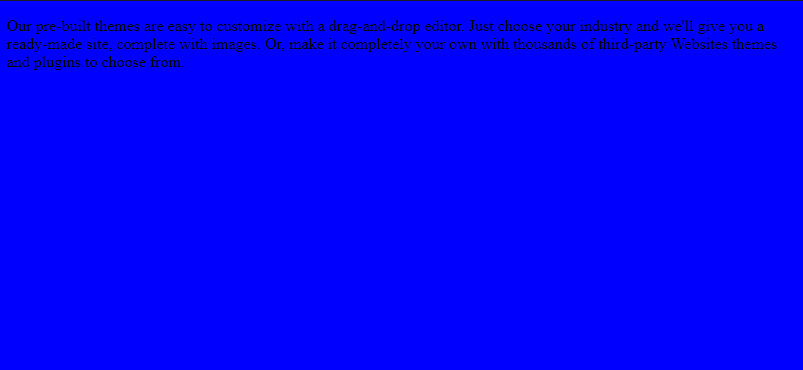
    @media screen and (min-width: 768px)
    { body { background-color: blue; } }

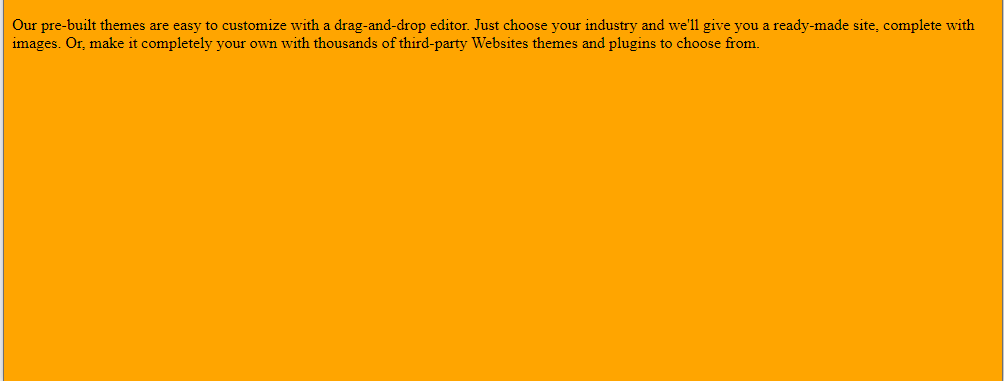
    @media screen and (min-width: 992px)
    { body { background-color: orange; } }Code language: CSS (css)
Then, See the Result:
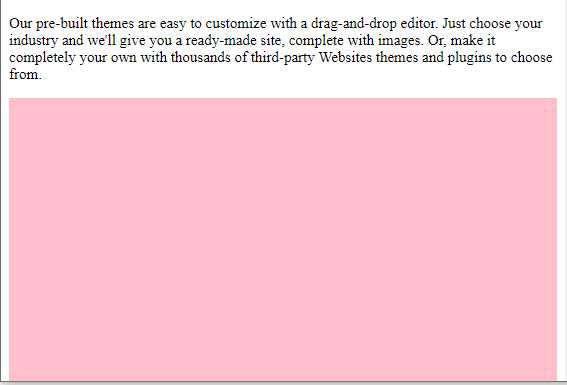
Then, using this CSS:
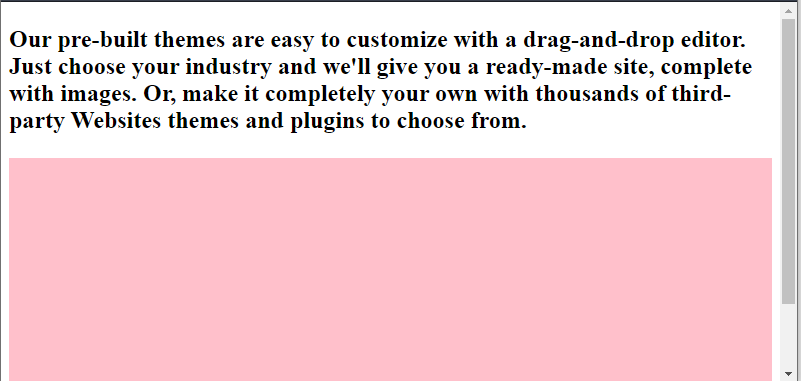
    div {
      width: auto;
      height: 300px;
      background-color: pink;
    }

    p {
      font-size: 15px;
    }

    @media screen and (min-width: 600px) {
      p { font-size: 24px; font-weight: bold; }
    }Code language: CSS (css)
See the result:

MotoShare.in provides the perfect two-wheeler for every occasion—daily commuting, weekend escapes, tourist exploration, or test-riding your dream bike. Simplify your mobility with us!
Find Trusted Cardiac Hospitals
Compare heart hospitals by city and services — all in one place.
Explore Hospitals
What is HTML and How it works? An Overview and Its Use Cases
History & Origin of HTML HTML is a markup language used by the browser to manipulate text, images, and other content, in order to display it in…